In order to know the current user (username) who is logged in your an try one of the below commands on the Terminal.
1. Using whoami command:
# whoami
adam# man whoami
NAME
whoami – display effective user id
SYNOPSIS
whoami
DESCRIPTION
The whoami utility has been obsoleted by the id(1) utility, and is
equivalent to “id -un”. The command “id -p” is suggested for normal
interactive use.
The whoami utility displays your effective user ID as a name.
...2. Using id command:
id is a command that you can use to return user identity.
id -un
adam
-u Display the effective user ID as a number.
-n Display the name of the user or group ID for the -G, -g and -u
options instead of the number. If any of the ID numbers cannot
be mapped into names, the number will be displayed as usual.3. Using $USER Environment Variable:
# echo $USER
adam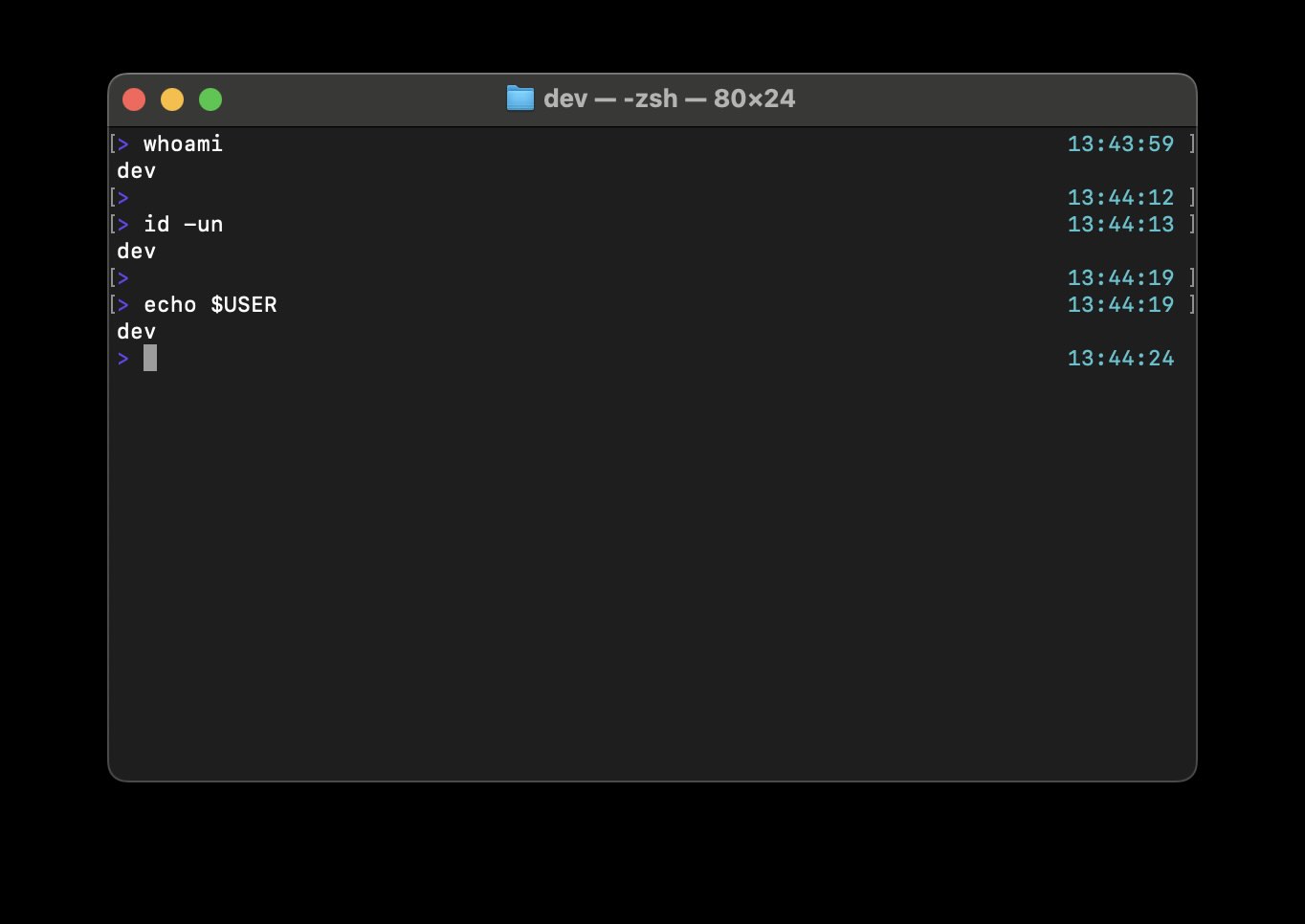

These commands work on all flavors of Unix and Unix-like operating systems including Linux and macOS
Comments & Discussion
Facing issues? Have questions? Post them here! We're happy to help!