
The most used command to clear the screen on Linux Terminal (Command Line) is obviously clear, but do you know there are some more ways that you can try out!
Ways to clear Linux Terminal Screen
- Using Clear command
root@myLinux# clearYou can know more about this command by using the help!
root@myLinux# clear ? Usage: clear [options] Options: -T TERM use this instead of $TERM -V print curses-version -x do not try to clear scrollback - Using Keyboard shortcut: Control + L
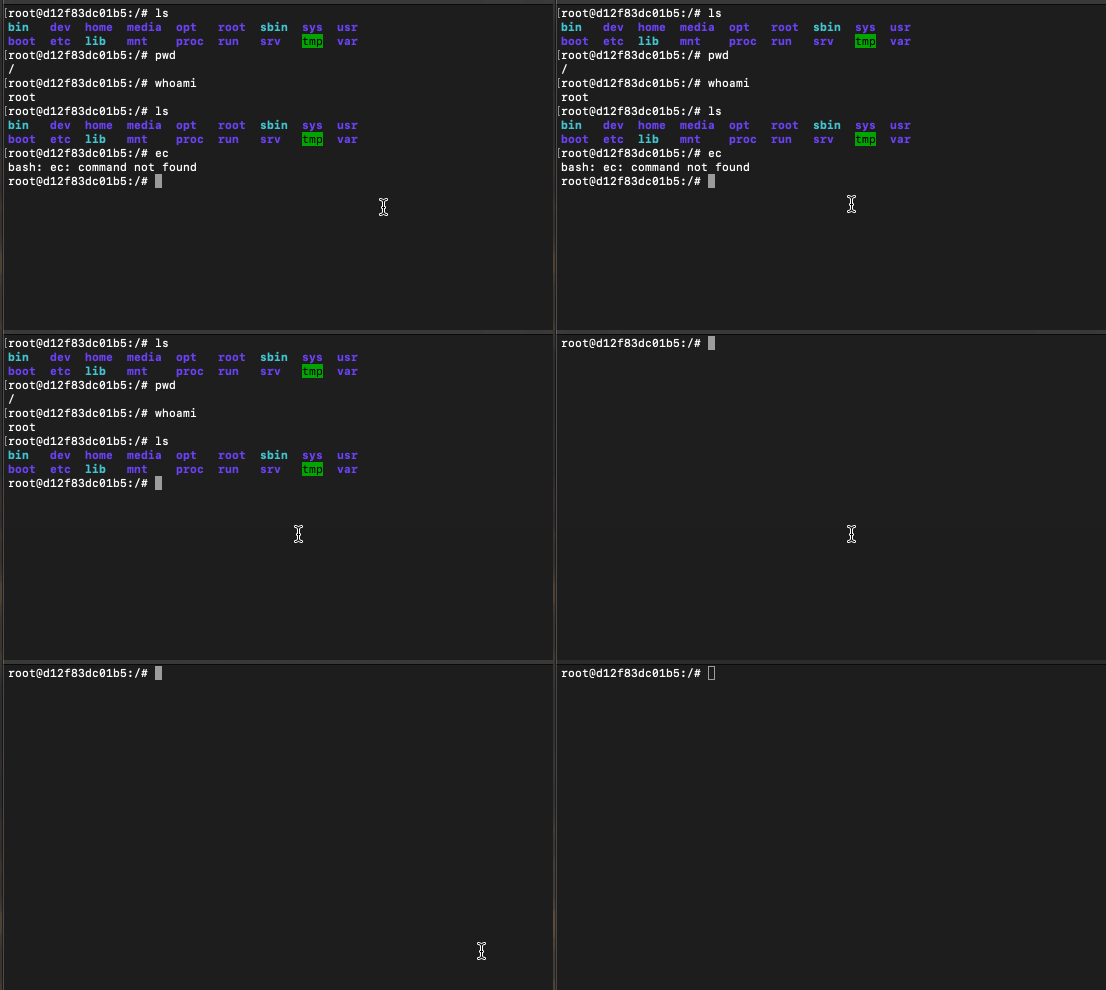
Just press Control + L (Command + L if on macOS), you will see that the screen will get cleared! When you do this you will see not the whole screen is cleared at once, but command-by-command, so you can press Control + L, multiple times to clear as much screen real estate as you want!
Linux clear screen example - Using Alias
If you want to use your own word as a command to clear screen, you can make use of Aliases, just update bash_aliases to add you custom alias,
# sudo nano ~/.bash_aliasesAdd the following to the file and save: alias cls="clear"
# sudo source ~/.bash_aliases
Provide Feedback For This Article
We take your feedback seriously and use it to improve our content. Thank you for helping us serve you better!
😊 Thanks for your time, your feedback has been registered!
Comments & Discussion
Facing issues? Have questions? Post them here! We're happy to help!