
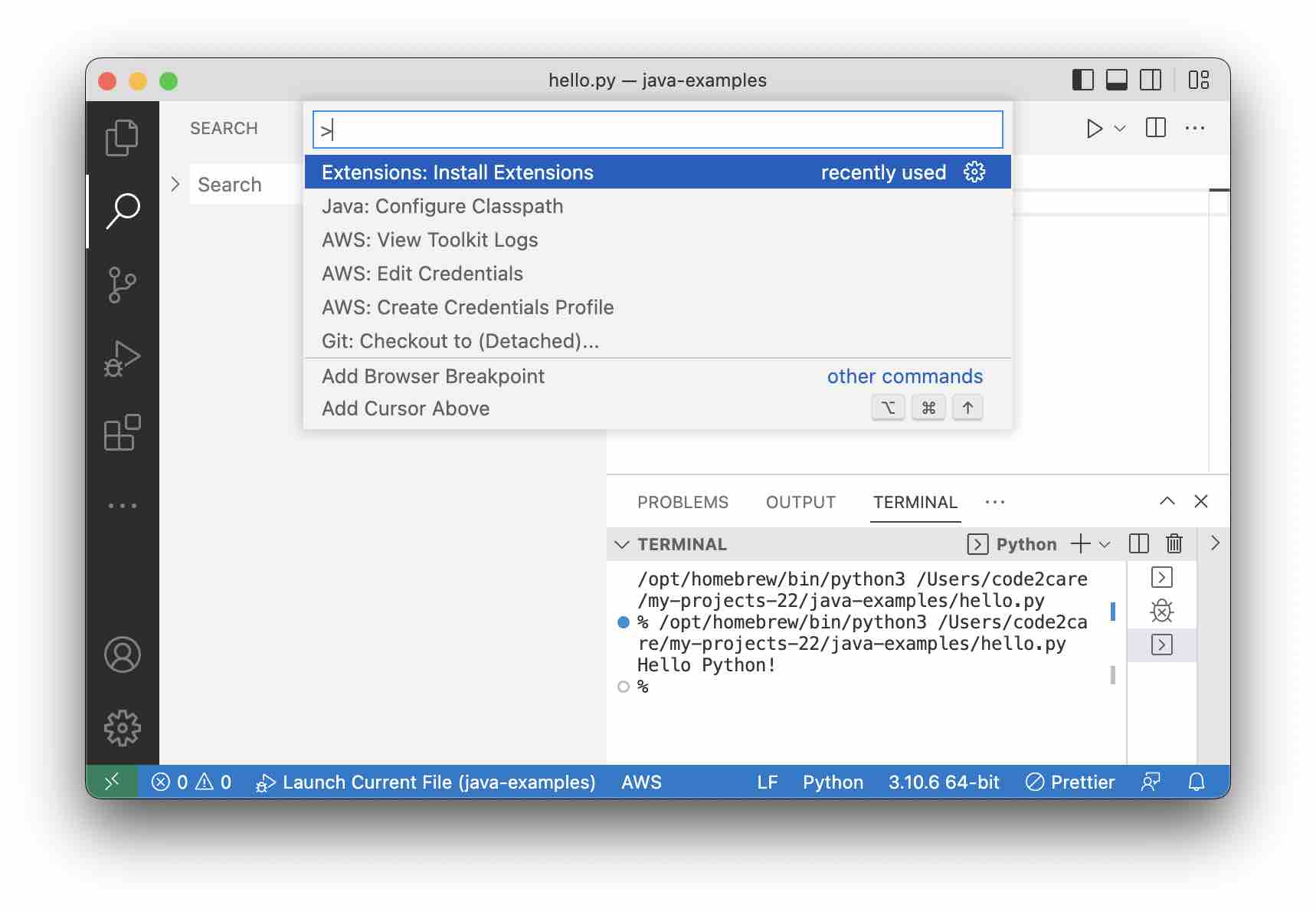
To open the Palette in Visual Studio Code,
On Windows/Linux
Control + Shift + P
On Mac
⌘ Command + Shift + P
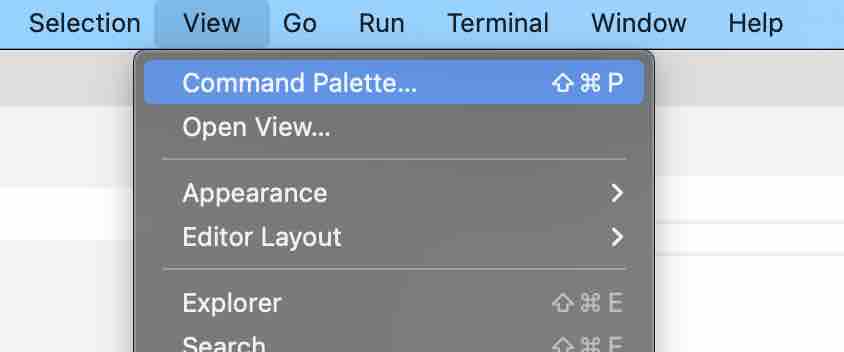
Control + Shift + P⌘ Command + Shift + PIf you want to open it using Menu options go to View -> Command Palette..
Provide Feedback For This Article
We take your feedback seriously and use it to improve our content. Thank you for helping us serve you better!
😊 Thanks for your time, your feedback has been registered!
Comments & Discussion
Facing issues? Have questions? Post them here! We're happy to help!