
Knowing the keyboard shortcuts can really make you more productive when working with Visual Studio Code (VS Code).
One of the most common actions that a developer performs is moving the cursor position either at the start or the end of a line or, moving the cursor to the top or the bottom of the current file.
Let's take a look at the keyboard shortcuts that you can use to achieve such actions.
Move Cursor to the start/beginning of the current line

Windows: Home
macOS: ⌘ Command + Left Arrow ←
Linux: Home
Move Cursor to the end of the current line
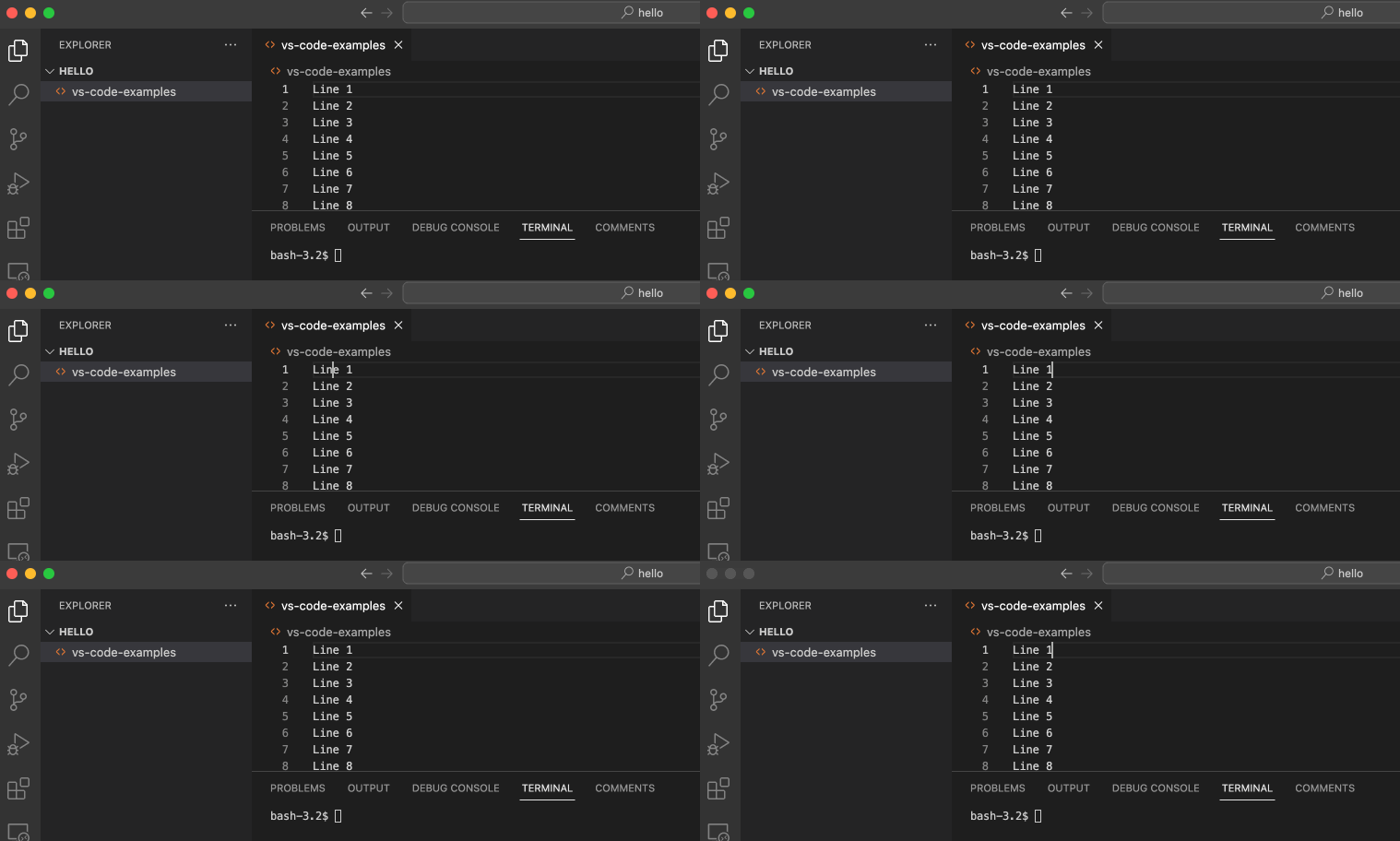
Windows: End
macOS: ⌘ Command + Right Arrow →
Linux: End
Move Cursor to the top of the current file

Windows: Control + Home
macOS: ⌘ Command + Up Arrow ↑
Linux: Control + Home
Move Cursor to the bottom of the current file

Windows: Control + End
macOS: ⌘ Command + Down Arrow ↓
Linux: Control + End
Provide Feedback For This Article
We take your feedback seriously and use it to improve our content. Thank you for helping us serve you better!
😊 Thanks for your time, your feedback has been registered!
Comments & Discussion
Facing issues? Have questions? Post them here! We're happy to help!