
If you just opened a huge file using the Nano text editor and you are wondering how to reach the end of the file quickly without the need to make use of the down arrow key to reach the bottom of the file, you can make use of the keyboard shortcut Alt + \ if you are using a Linux OS.
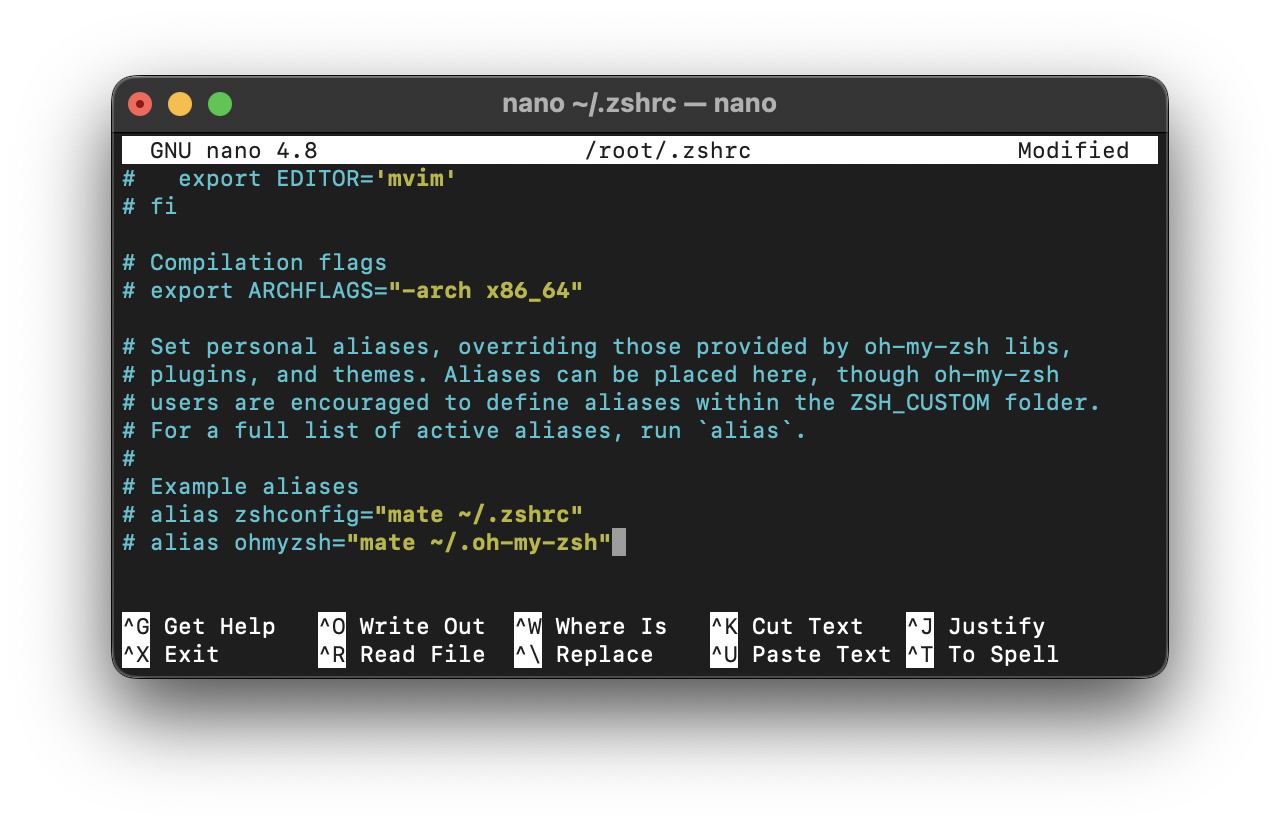
Note: If you are using Nano Editor on macOS, you will not have the Alt key so as a workaround you can make use of Ctrl + V repetitively until you reach the end of the file.
You make also be looking for:
- Ctrl+V: To move one page down.
- Ctrl+Y: To move one page up.
- Alt+/: To reach to the bottom of the opened file.
- Alt+\: To reach to the top of the opened file.
Provide Feedback For This Article
We take your feedback seriously and use it to improve our content. Thank you for helping us serve you better!
😊 Thanks for your time, your feedback has been registered!
Comments & Discussion
Facing issues? Have questions? Post them here! We're happy to help!