
In order to know the version of SSH (or OpenSSH) installed on your Linux (such as Ubuntu)/Unis system, you can make use of the ssh -V or ssh -Version command.
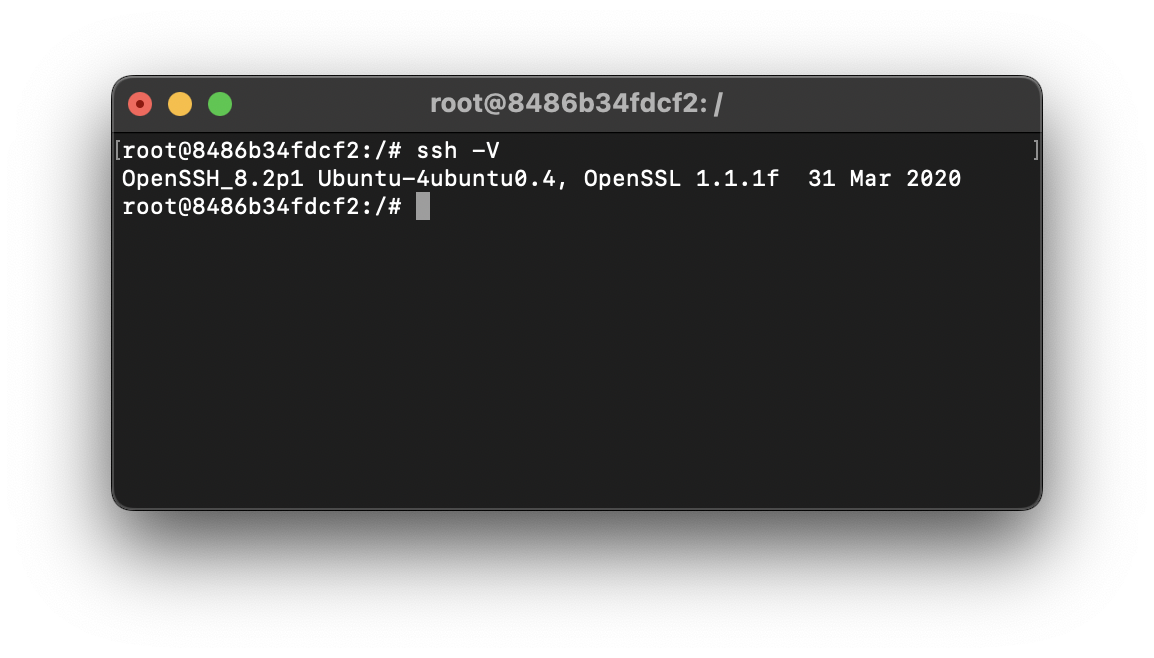
Example:# ssh -V
OpenSSH_8.2p1 Ubuntu-4ubuntu0.4, OpenSSL 1.1.1f 31 Mar 2020If you want to upgrade your SSH version you can make use of the package manager such as apt-get
Example:# sudo apt-get install ssh
Reading package lists... Done
Building dependency tree
Reading state information... Done
ssh is already the newest version (1:8.2p1-4ubuntu0.4).
0 upgraded, 0 newly installed, 0 to remove and 0 not upgraded.If you are already on the latest version you will get: ssh is already the newest version
SSH vs OpenSSH
SSH (Secure Shell) is a cryptographic network protocol that enables secure remote access to Computers, Servers, or other devices. SSH is widely used for remote login, remote command execution, and other network services that require secure communication. SSH encrypts all traffic, including passwords, to ensure the confidentiality and integrity of the data exchanged between the client and the server, thereby preventing eavesdropping, tampering, and other potential attacks.
While OpenSSH is an Open-Source implementation of the SSH protocol suite, it is widely used on Unix-like operating systems such as macOS. OpenSSH provides secure network communication through encrypted channels, allowing users to securely log into remote systems and execute commands.
How to find the OpenSSH version in Linux Cli?
- Open the Terminal application on your Linux.
- Now type the following command:
# ssh -V - This command will display the OpenSSH version installed on your system. The output will look something like this:
OpenSSH_7.6p1 Ubuntu-4ubuntu0.3, OpenSSL 1.0.2n 7 Apr 2023 - Here, the OpenSSH has version is 7.6p1
You can check the openSSH version this way on any Linux-based distributions such as Fedora, CentOS, Mint, Kali, etc.
How to check the openSSH version on Windows?
- Open PowerShell.
- Now type the below command:
> ssh -V - You will get the version details printed in the console as,
OpenSSH_for_Windows_10.1p1, LibreSSL 3.0.2
Provide Feedback For This Article
We take your feedback seriously and use it to improve our content. Thank you for helping us serve you better!
😊 Thanks for your time, your feedback has been registered!
Comments & Discussion
Facing issues? Have questions? Post them here! We're happy to help!