
You can upgrade the current version of Pandas package with the help of pip package manager,
Example: Using pip
pip install --upgrade pandasThis will update Pandas to the latest version available.
Upgrade to a specific version of Pandas
If you want to upgrade pandas to a specific version, you can do that by passing in the version number after ==
pip install pandas==2.0.2How to see the list of all available Pandas versions
 % pip index versions pandas

Available versions: 2.0.3, 2.0.2, 2.0.1, 2.0.0, 1.5.3, 1.5.2, 1.5.1,
1.5.0, 1.4.4, 1.4.3, 1.4.2, 1.4.1, 1.4.0, 1.3.5, 1.3.4, 1.3.3, 1.3.2, 1.3.1,
1.3.0, 1.2.5, 1.2.4, 1.2.3, 1.2.2, 1.2.1, 1.2.0, 1.1.5, 1.1.4, 1.1.3, 1.1.2, 1.1.1,
1.1.0, 1.0.5, 1.0.4, 1.0.3, 1.0.2, 1.0.1, 1.0.0, 0.25.3, 0.25.2, 0.25.1, 0.25.0,
0.24.2, 0.24.1, 0.24.0, 0.23.4, 0.23.3, 0.23.2, 0.23.1, 0.23.0, 0.22.0, 0.21.1,
0.21.0, 0.20.3, 0.20.2, 0.20.1, 0.20.0, 0.19.2, 0.19.1, 0.19.0, 0.18.1, 0.18.0,
0.17.1, 0.17.0, 0.16.2, 0.16.1, 0.16.0, 0.15.2, 0.15.1, 0.15.0, 0.14.1, 0.14.0,
0.13.1, 0.13.0, 0.12.0, 0.11.0, 0.10.1, 0.10.0, 0.9.1, 0.9.0, 0.8.1, 0.8.0, 0.7.3,
0.7.2, 0.7.1, 0.7.0, 0.6.1, 0.6.0, 0.5.0, 0.4.3, 0.4.2, 0.4.1, 0.4.0, 0.3.0, 0.2, 0.1

  INSTALLED: 2.0.3
  LATEST:    2.0.3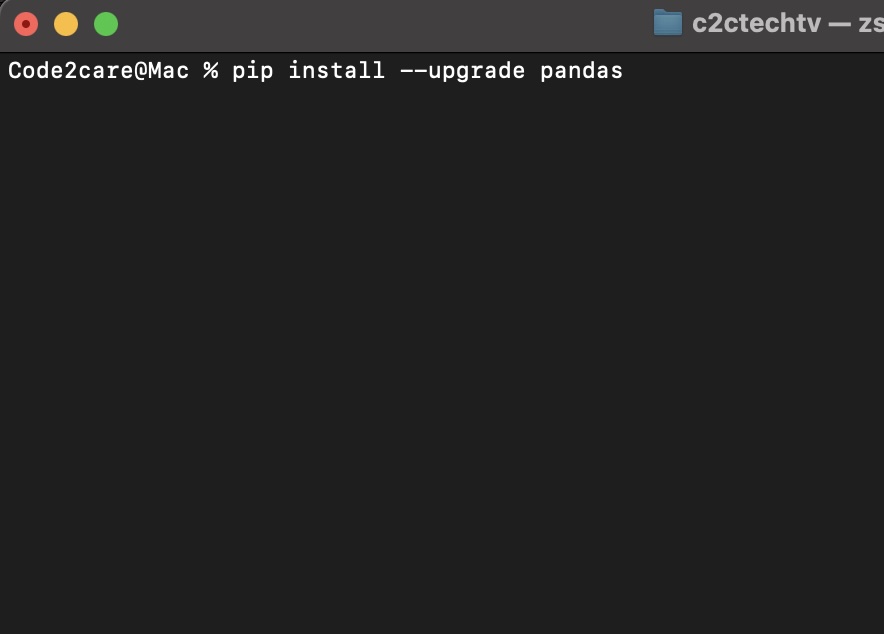
How to Upgrade Pandas in VS Code
Open the Terminal from Menu: View -> Terminal and run the command,
pip install --upgrade pandasHow to Upgrade Pandas in Pycharm
Open Terminal from Menu: View -> Tool Windows -> Terminal and run the command.
pip install --upgrade pandasProvide Feedback For This Article
We take your feedback seriously and use it to improve our content. Thank you for helping us serve you better!
😊 Thanks for your time, your feedback has been registered!
Comments & Discussion
Facing issues? Have questions? Post them here! We're happy to help!