
>>> pip install requests
  File "", line 1
    pip install requests
        ^^^^^^^
SyntaxError: invalid syntax
>>>
If you are trying to install a Python package or module using pip or pip3 and you get the above error, well the reason is you cannot install a package inside the Python Shell.
The fix for this is to exit the Python Shell using exit() and then running the pip install command on the Terminal/Command Prompt (based on your device Mac/Windows/Linux)
Fix:>>> pip install requests
File "", line 1
pip install requests
^^^^^^^
SyntaxError: invalid syntax
>>> exit()
Code2care@Mac % pip install requests 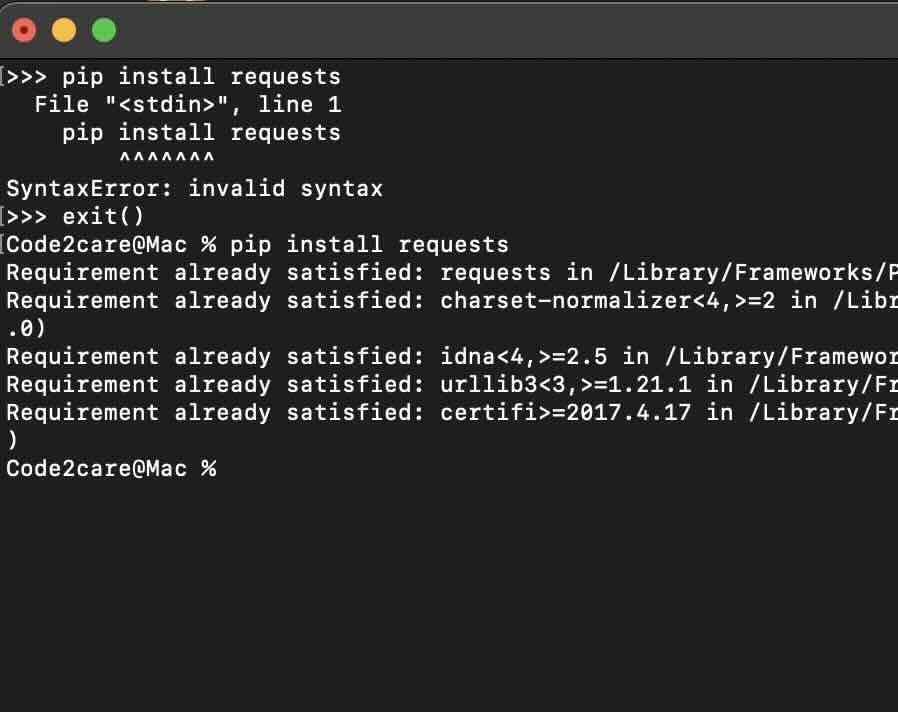
Provide Feedback For This Article
We take your feedback seriously and use it to improve our content. Thank you for helping us serve you better!
😊 Thanks for your time, your feedback has been registered!
Comments & Discussion
Facing issues? Have questions? Post them here! We're happy to help!