
Once you connect to a remote SFTP location on your Linux, macOS, or Bash terminal and you want to come out of it back to the shell prompt? Let's find out different ways you can do it,
Exit SFTP Using Keyboard Shortcut:
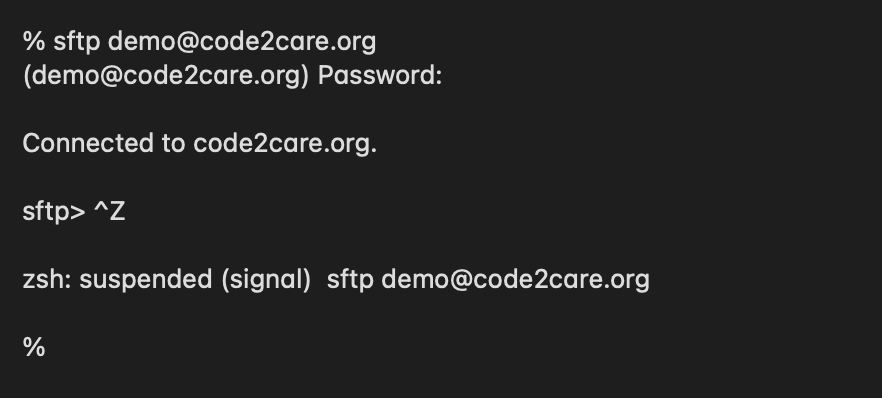
This is the most preferred way by developers and system admins, just press Control + Z to exit or quit,
% sftp demo@code2care.org
(demo@code2care.org) Password:

Connected to code2care.org.

sftp>^Zzsh: suspended (signal)  sftp demo@code2care.org

%
Exit SFTP Using Command: bye
This one is much easier, just type bye on the sftp> prompt and you will be reverted back to your current terminal prompt (bash, sh, zsh)
sftp> bye

%Provide Feedback For This Article
We take your feedback seriously and use it to improve our content. Thank you for helping us serve you better!
😊 Thanks for your time, your feedback has been registered!
Comments & Discussion
Facing issues? Have questions? Post them here! We're happy to help!