
We can drop a table by executing Java JDBC Statement or Prepared Statement, note that the table should not have foreign key references.
table: student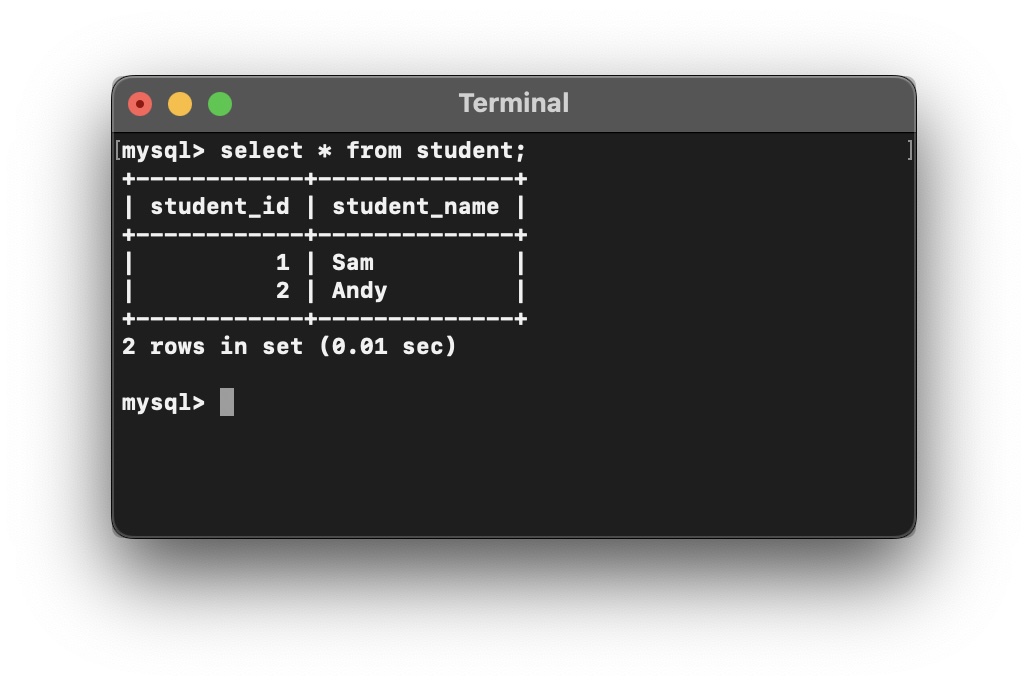
import java.sql.Connection;
import java.sql.DriverManager;
import java.sql.SQLException;
import java.sql.Statement;

public class JdbcExampleTruncateTable {

    public static void main(String[] args) throws SQLException {

        String url = "jdbc:mysql://localhost:3306/my_uat";
        String userName = "root";
        String password = "root123";

        //Drop Student table Query
        String truncateTableQuery = "drop table student";

        Connection connection = null;
        try {

            connection = DriverManager.getConnection(url, userName, password);
            Statement statement = connection.createStatement();
            statement.executeUpdate(truncateTableQuery);

            System.out.println("Student table dropped!...");

        } catch (SQLException e) {
            System.out.println("Exception Occurred while dropping the table Student!");
            e.printStackTrace();
        } finally {
            connection.close();
        }
    }
}As I query the database there is not student table now!
mysql> select * from student;
ERROR 1146 (42S02): Table 'my_uat.student' doesn't exist
Provide Feedback For This Article
We take your feedback seriously and use it to improve our content. Thank you for helping us serve you better!
😊 Thanks for your time, your feedback has been registered!
Comments & Discussion
Facing issues? Have questions? Post them here! We're happy to help!