
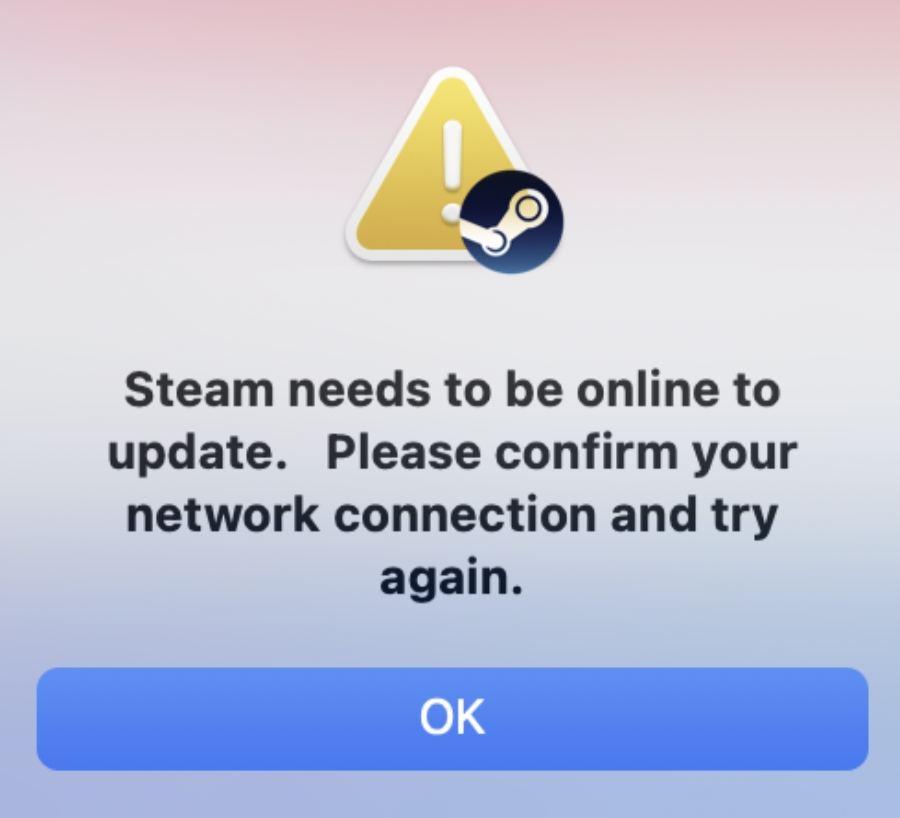
Recently after upgrading macOS Big Sur upgrade, I was unable to install steam software - ran into the below error message.
Steam needs to be online to update. Please confirm your network connection and try again.code2care ~ % /Applications/xSteam.app/Contents/MacOS/steam_osx ; exit;
[2021-05-19 11:24:17] Startup - updater built Mar 26 2020 15:49:26
[2021-05-19 11:24:17] Startup - updater built Mar 26 2020 15:49:26
ILocalize::AddFile() failed to load file "public/steambootstrapper_english.txt".
[2021-05-19 11:24:17] Verifying installation...
[2021-05-19 11:24:17] Unable to read and verify install manifest /Users/mattshannon/Library/Application Support/Steam/Steam.AppBundle/Steam/Contents/MacOS/package/steam_client_osx.installed
[2021-05-19 11:24:17] Verification complete
[2021-05-19 11:24:18] Downloading Update...
[2021-05-19 11:24:18] Checking for available update...
[2021-05-19 11:24:18] Downloading manifest: client-download.steampowered.com/client/steam_client_osx
KeyValues Error: LoadFromBuffer: missing { (current key: '<!DOCTYPE') in file manifest [offset: 14]
/Users/buildbot/buildslave/steam_rel_client_osx/build/src/tier1/KeyValues.cpp (2958) : Assertion Failed: Error while parsing text KeyValues for resource manifest
[2021-05-19 11:24:19] failed to load manifest from the buffer.
[2021-05-19 11:24:19] Failed to load manifest
[2021-05-19 11:24:19] Error: Download failed: HTTP error 200
[2021-05-19 11:24:19] Error: Steam needs to be online to update.
Please confirm your network connection and try againSolution: The easiest workaround to resolve this issue is to switch your internet connection. You can try making a hotspot from your phone (Android or iPhone)
Provide Feedback For This Article
We take your feedback seriously and use it to improve our content. Thank you for helping us serve you better!
😊 Thanks for your time, your feedback has been registered!
Comments & Discussion
Facing issues? Have questions? Post them here! We're happy to help!