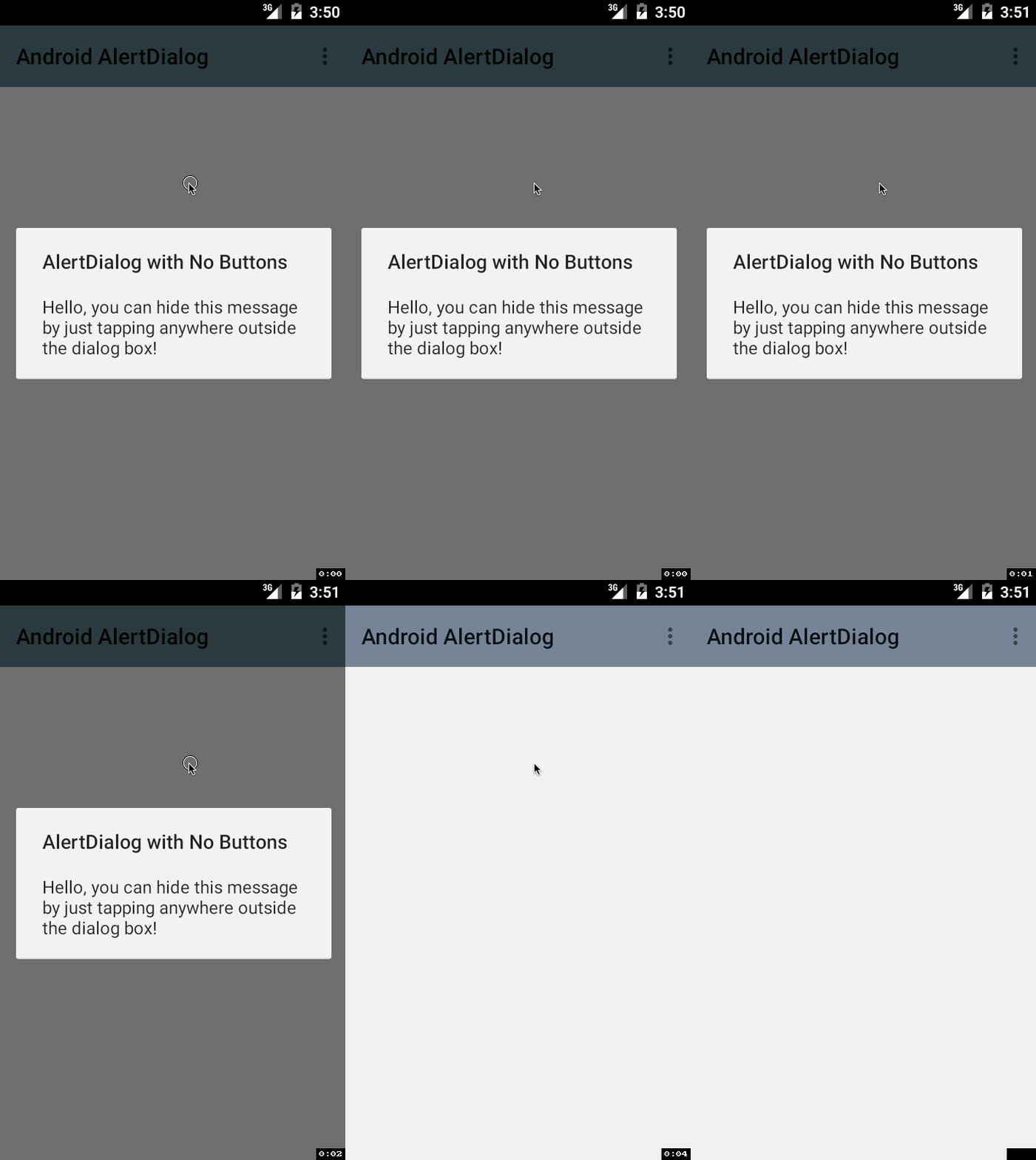
We have seen quite a few examples of AlertDialog with one button, two and three buttons. It is possible to create a AlertDialog that behaves just like Toast messages. The only difference is that the message will stay visible until user taps on the screen outside the dialog message pop-up.
 @Override
    protected void onCreate(Bundle savedInstanceState) {

        super.onCreate(savedInstanceState);
        setContentView(R.layout.activity_main);

        AlertDialog.Builder builder = new AlertDialog.Builder(MainActivity.this);

        builder.setTitle("AlertDialog with No Buttons");

        builder.setMessage("Hide this message by just tapping anywhere outside the dialog box!");


        AlertDialog diag = builder.create();

        //Display the message!
        diag.show();

    }
This is not an AI-generated article but is demonstrated by a human on an M1 Mac running macOS Sonoma 14.0.
Please support independent contributors like Code2care by donating a coffee.
Buy me a coffee!
Comments & Discussion
Facing issues? Have questions? Post them here! We're happy to help!