
In order to delete an exchange in RabbitMQ we can use either the RabbitMQ Management Web Interface or the RabbitMQ command-line tool rabbitmqctl.
We will take a look at both ways in detail.
Using RabbitMQ Management Web UI
- Access the Web UI: Open your web browser and navigate to the RabbitMQ Management Web UI. The default URL is usually
http://localhost:15672, but this may vary based on your setup. - Log In: Enter your username and password. The default credentials are often
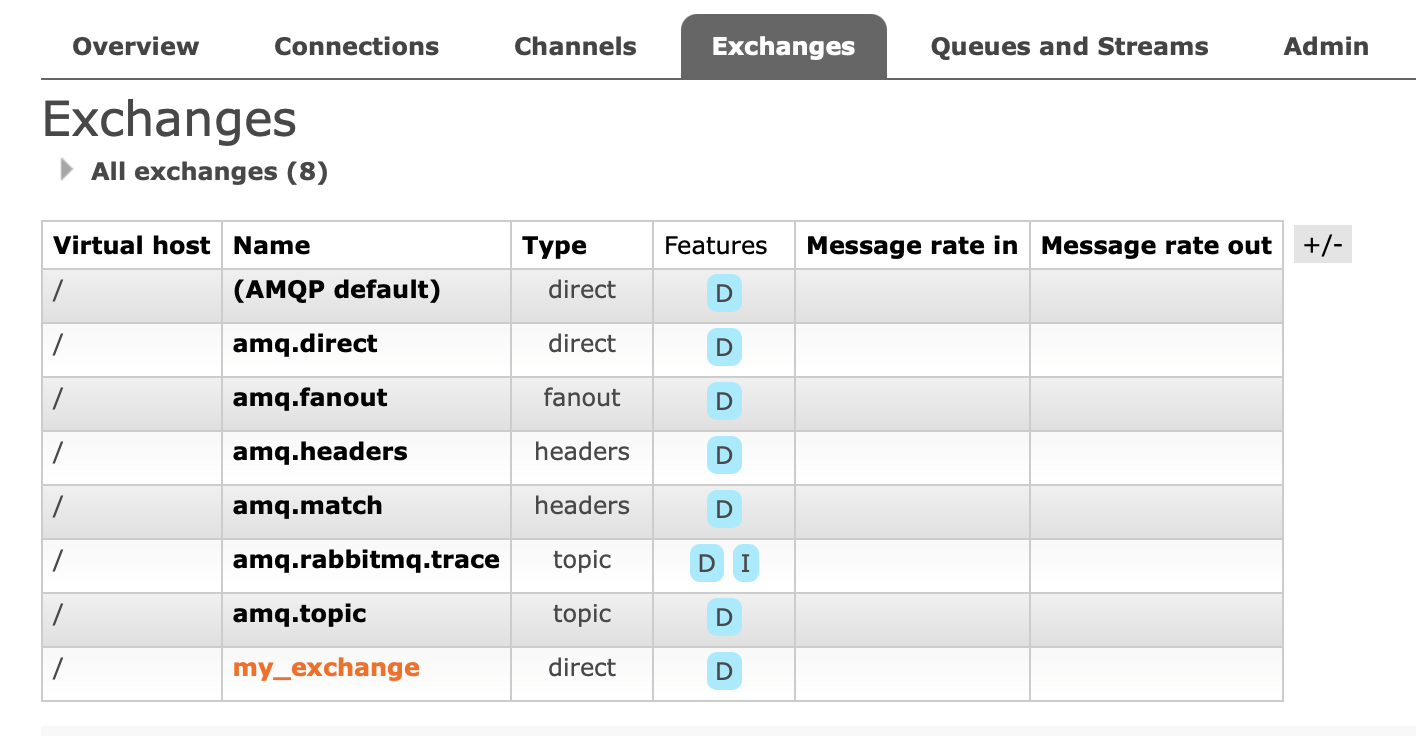
guestfor both username and password. - Navigate to the Exchanges Section: Click on the "Exchanges" tab in the top menu.
- Select the Exchange: Find and click on the exchange you want to delete from the list.
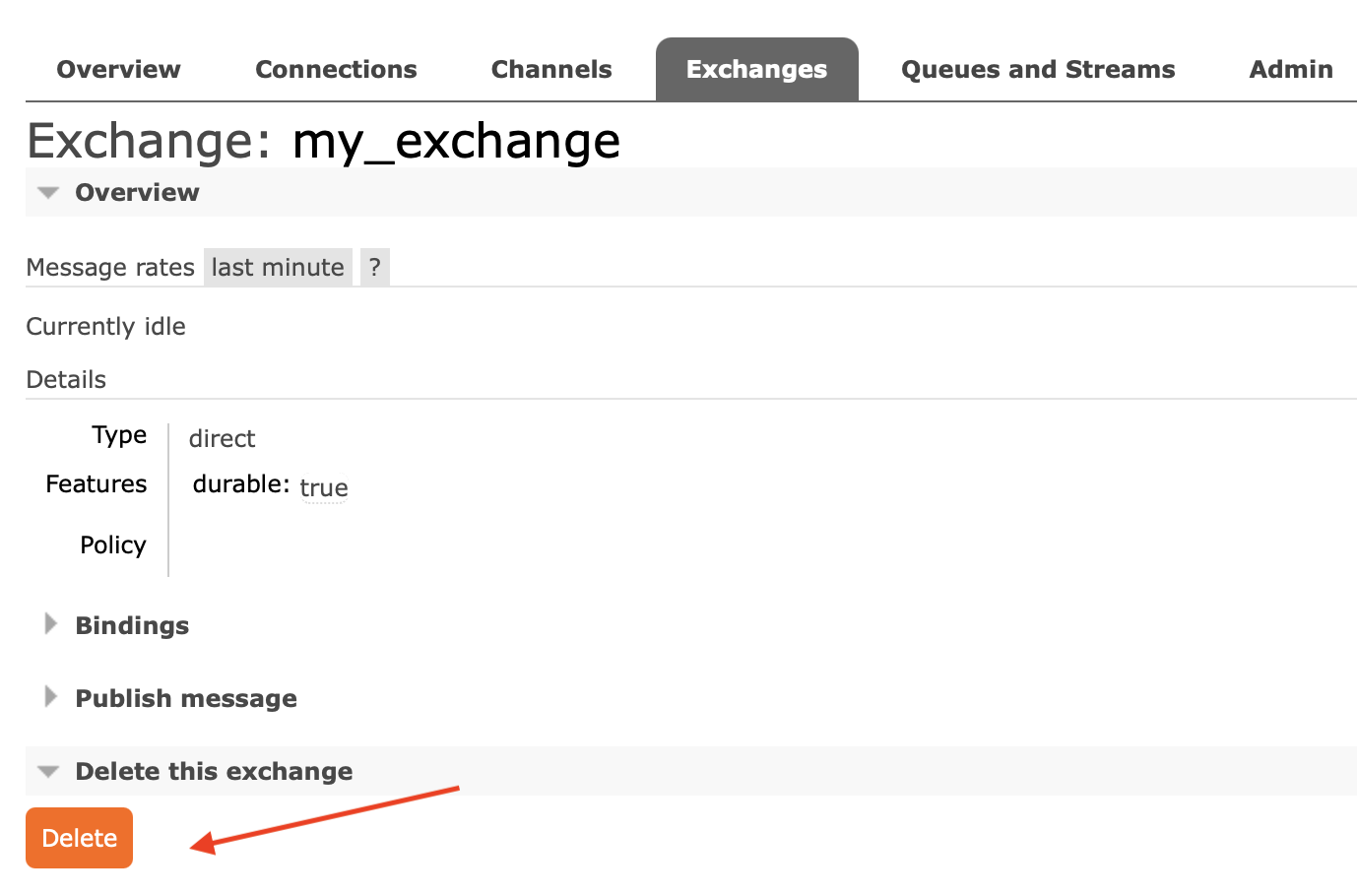
- Delete the Exchange: Click the "Delete" button at the top of the exchange details page. Confirm the deletion when prompted.
Using RabbitMQ Command-Line Tool (rabbitmqctl)
- Open Terminal: Open a terminal or command prompt on the machine where RabbitMQ is installed.
- Run the Delete Command: Use the following command to delete an exchange:
Replacerabbitmqctl delete_exchange <exchange_name><exchange_name>with the name of the exchange you want to delete.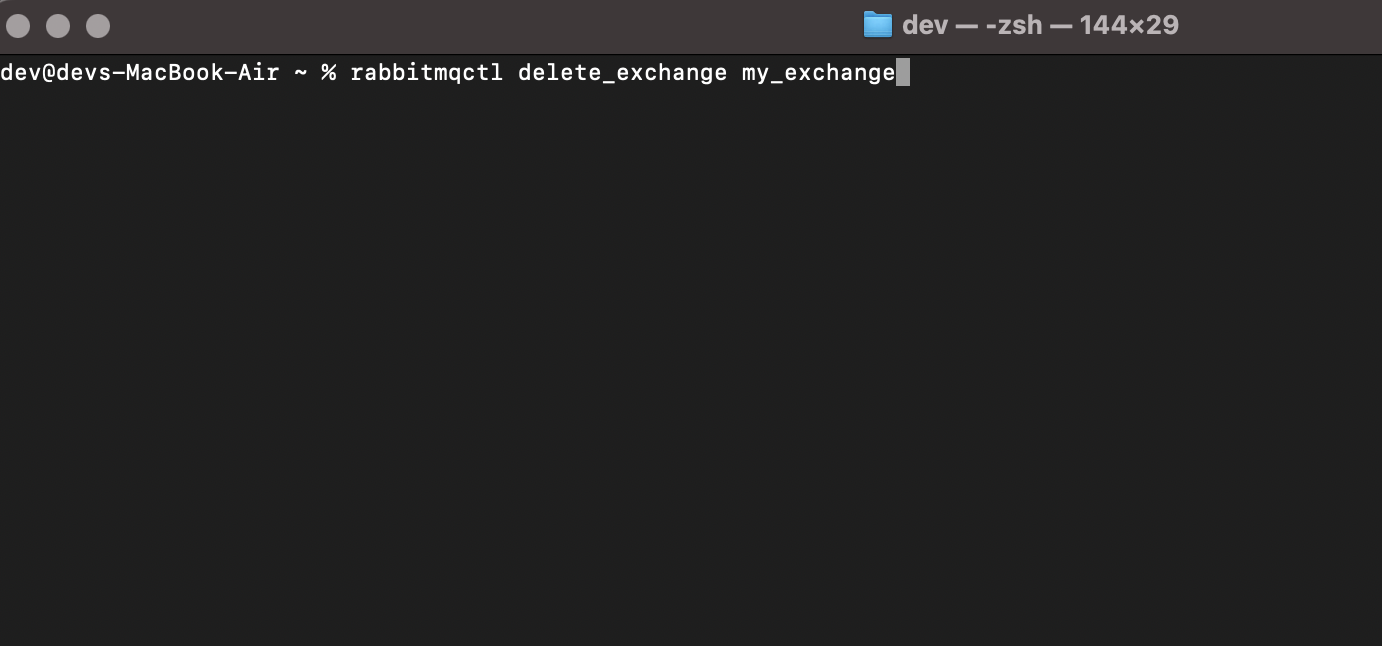
- Verify Deletion (optional): To ensure the exchange has been deleted, you can list all exchanges using:
rabbitmqctl list_exchanges
Please Note:
- Exchanges with Bound Queues: If the exchange has queues bound to it, those bindings will be removed, but the queues themselves will not be deleted.
- Permissions: Ensure you have the necessary permissions to delete exchanges. Administrative permissions are usually required.
Provide Feedback For This Article
We take your feedback seriously and use it to improve our content. Thank you for helping us serve you better!
😊 Thanks for your time, your feedback has been registered!
Comments & Discussion
Facing issues? Have questions? Post them here! We're happy to help!