
If you want to know the version details of Microsoft Excel that have been installed on your Mac/Macbook, you can follow the below simple steps.
- Step 1: Open the Excel Application on your Mac.
- Step 2: Now on the Menu go to Excel -> About Microsoft Excel
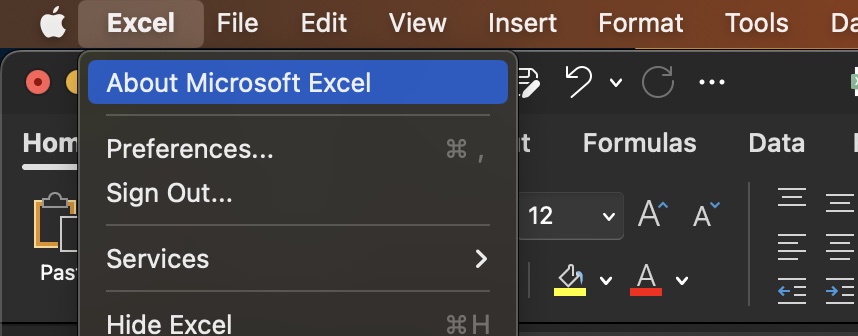
- Step 3: You will see an "About Excel" window with all required version details.

Version 16.74 (23061100)
License: Microsoft 365 Subscription
Belongs to: user@example.com
Device ID: 944214-217-1CCE-1111-1AD2961827E27Provide Feedback For This Article
We take your feedback seriously and use it to improve our content. Thank you for helping us serve you better!
😊 Thanks for your time, your feedback has been registered!
Comments & Discussion
Facing issues? Have questions? Post them here! We're happy to help!