
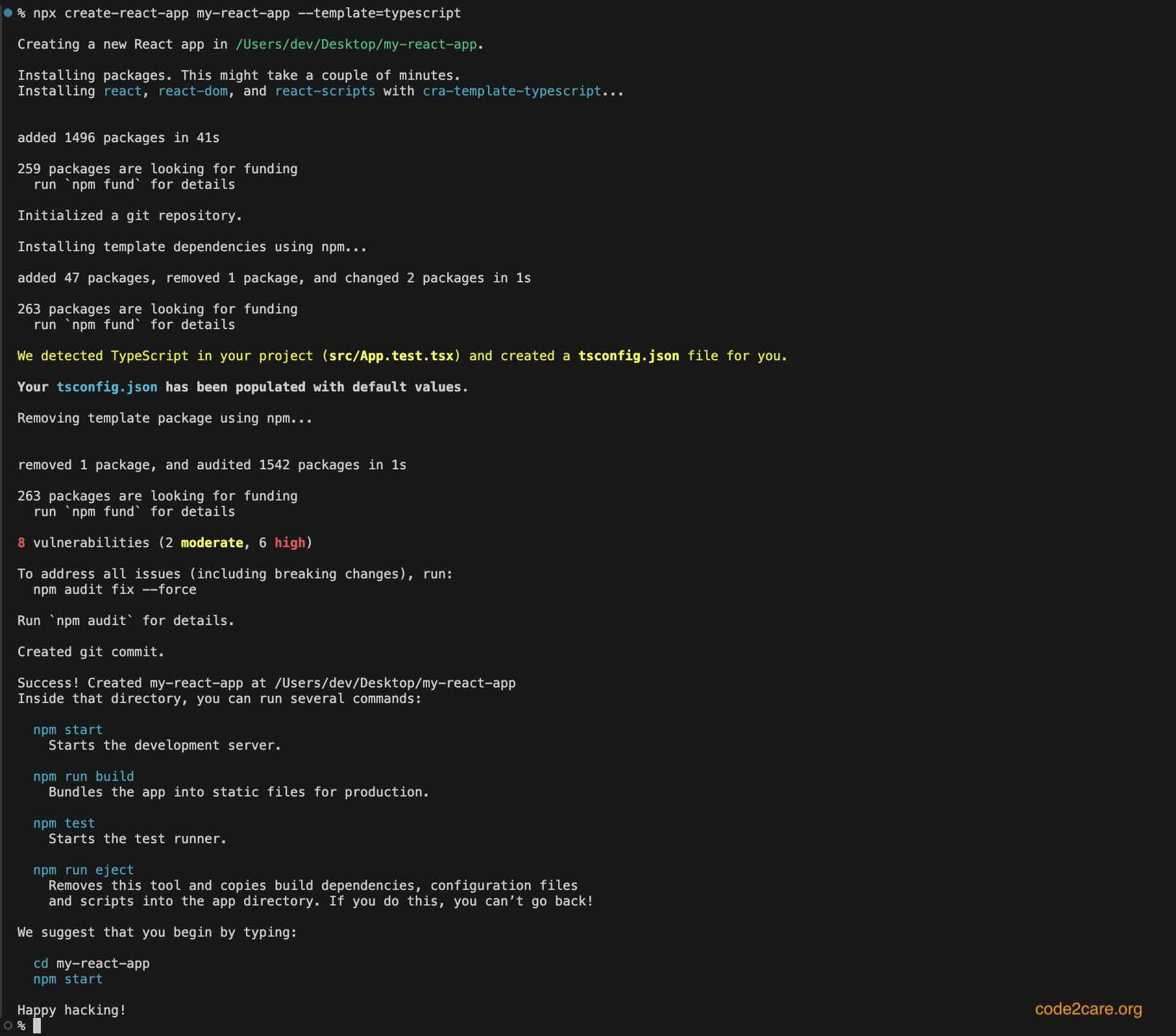
If you want to create react application using the command line (terminal) with TypeScript as the default template we need to add the option --template=typescript along with the create-react-app command.
Syntax:
npx create-react-app <project-folder-name> --template=typescriptExample:
Provide Feedback For This Article
We take your feedback seriously and use it to improve our content. Thank you for helping us serve you better!
😊 Thanks for your time, your feedback has been registered!
Comments & Discussion
Facing issues? Have questions? Post them here! We're happy to help!