
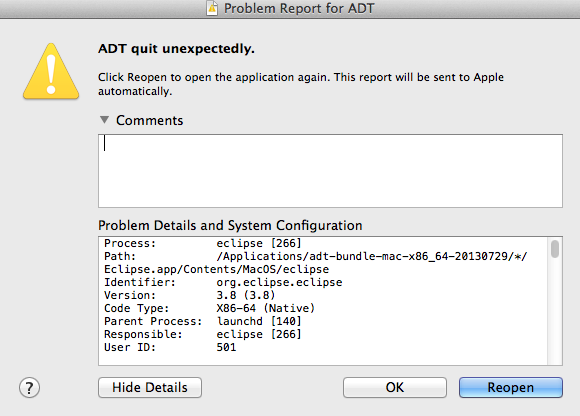
This issue is faced many a times while creating/exporting a Signed APK file. There is a workaround of how to avoid Android Eclipse crashing issue.
Before Exporting the APK file, Clean the Project + Build
Now go to Project and Uncheck Build Automatically.

Now when you try to Build an APK file you may not face the Crash ADT quit unexpectedly error.
Provide Feedback For This Article
We take your feedback seriously and use it to improve our content. Thank you for helping us serve you better!
😊 Thanks for your time, your feedback has been registered!
Comments & Discussion
Facing issues? Have questions? Post them here! We're happy to help!