
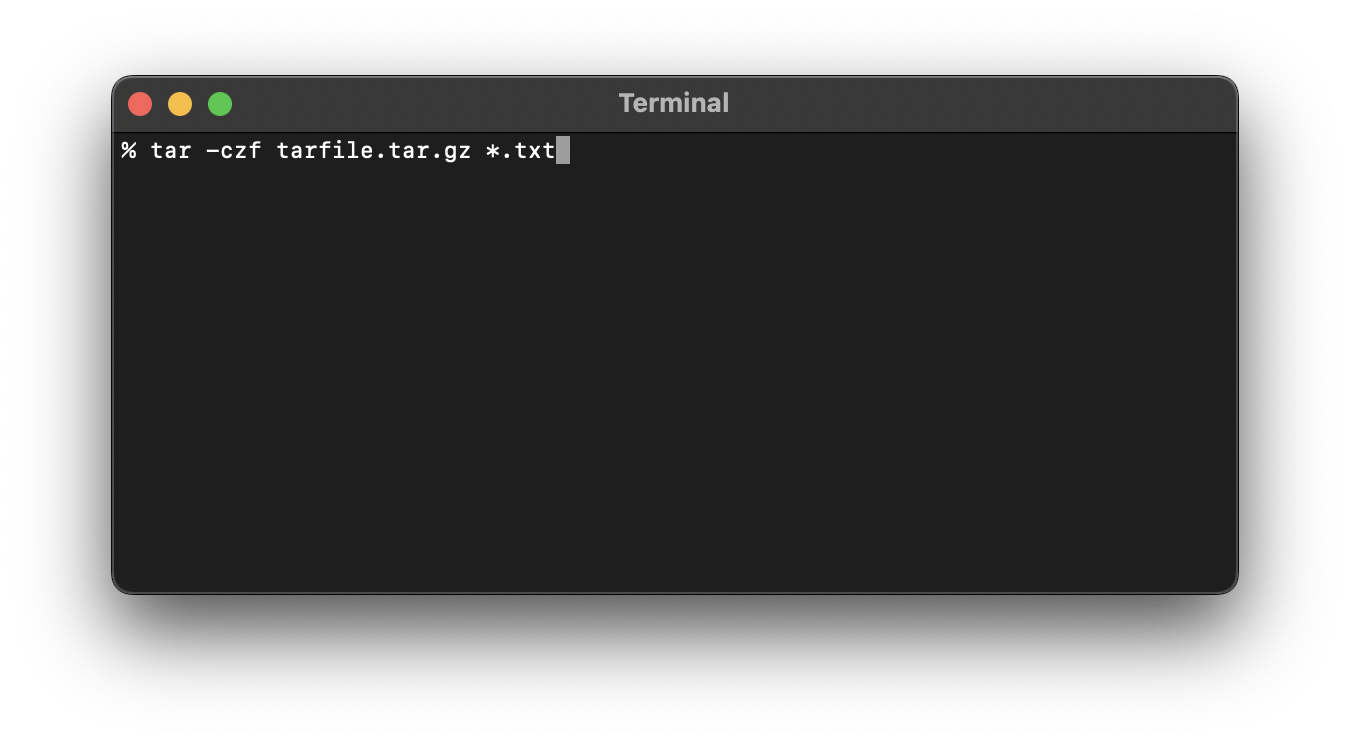
In order to create a tar.gz file using Terminal you can make use of the tar command with the following options,
tar -czf tar-gz-file-name.tar.gz [files to tar.gz]| Option | Description |
|---|---|
| -c | To create a new archive for the secified files, can also use --create |
| -z | To compress the files as archive with gzip, can also use gizip --gunzip |
| -f | Read the archive from or write the archive to the specified file, can also use --file |
Exampl 1: tar.gz specfied files seperated by space
tar -czf tarfile.tar.gz file1.txt file2.txtExample 2: tar.gz all files in current directory
tar -czf tarfile.tar.gz .* Example 3: tar.gz all txt extenstion files in current directory
tar -czf tarfile.tar.gz *.txt Example 4: tar.gz all files that start with file and has extension txt
tar -czf tarfile.tar.gz file*.txt Provide Feedback For This Article
We take your feedback seriously and use it to improve our content. Thank you for helping us serve you better!
😊 Thanks for your time, your feedback has been registered!
Comments & Discussion
Facing issues? Have questions? Post them here! We're happy to help!