
If you have java set in your System Environment Variable (PATH/JAVA_HOME) by using the Command Line (CMD on Windows or Terminal or Linux/Mac) you can simply know which version of Java is set in the PATH and is currently in use, simply use the command java -version
% java -version
openjdk version "1.8.0_332"
OpenJDK Runtime Environment Corretto-8.332.08.1 (build 1.8.0_332-b08)
OpenJDK 64-Bit Server VM Corretto-8.332.08.1 (build 25.332-b08, mixed mode)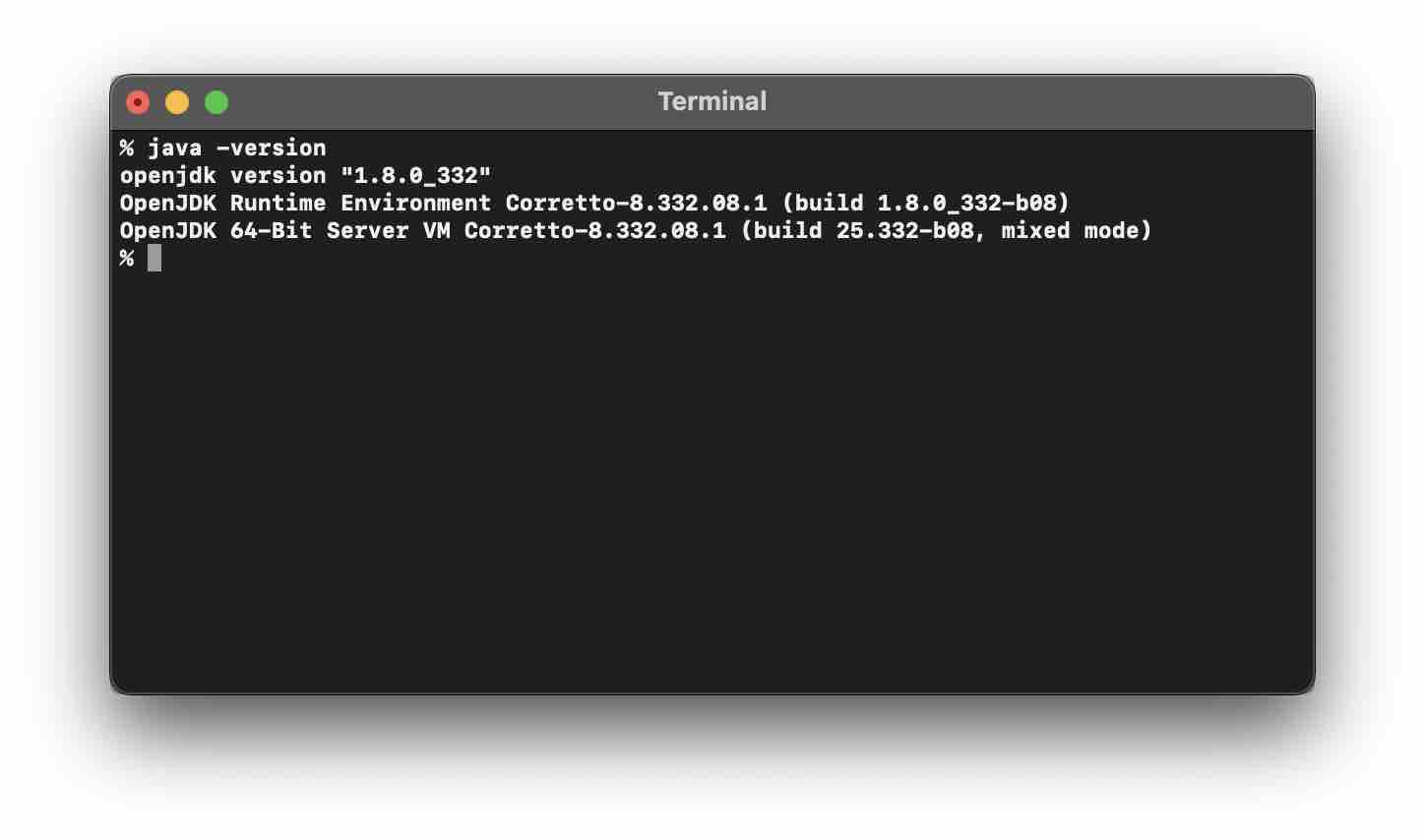
If you will use java -v you will get an error,
java -v
Unrecognized option: -v
Error: Could not create the Java Virtual Machine.
Error: A fatal exception has occurred. The program will exit.
You can also know the version of Java Compiler utility using the command javac -version
% javac -version
javac 1.8.0_332
Provide Feedback For This Article
We take your feedback seriously and use it to improve our content. Thank you for helping us serve you better!
😊 Thanks for your time, your feedback has been registered!
Comments & Discussion
Facing issues? Have questions? Post them here! We're happy to help!