
If you want to set an Environment Variable in PowerShell for Mac, you can make use of the $env automatic variable or by making use of the Set-Item cmdlet.
Let's take a look at both ways with an example each.
Example 1: Set Environment Variable Using $env automatic variable
$env:SERVER_NAME = "Production"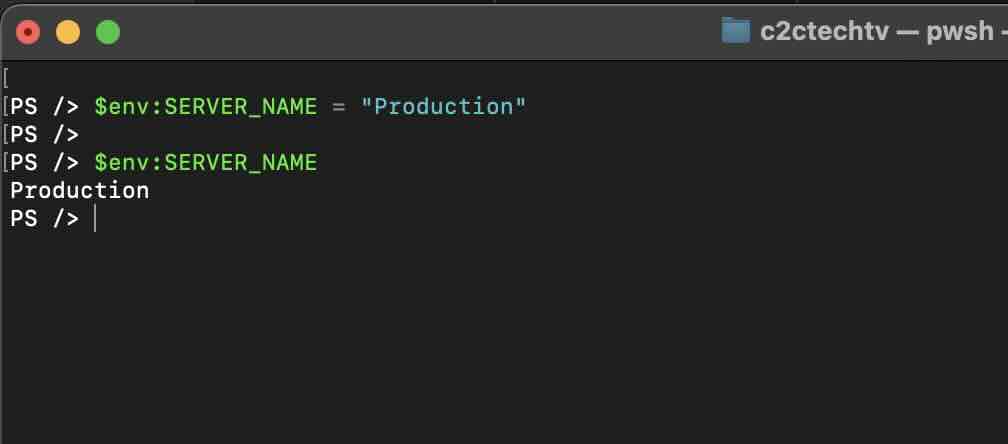
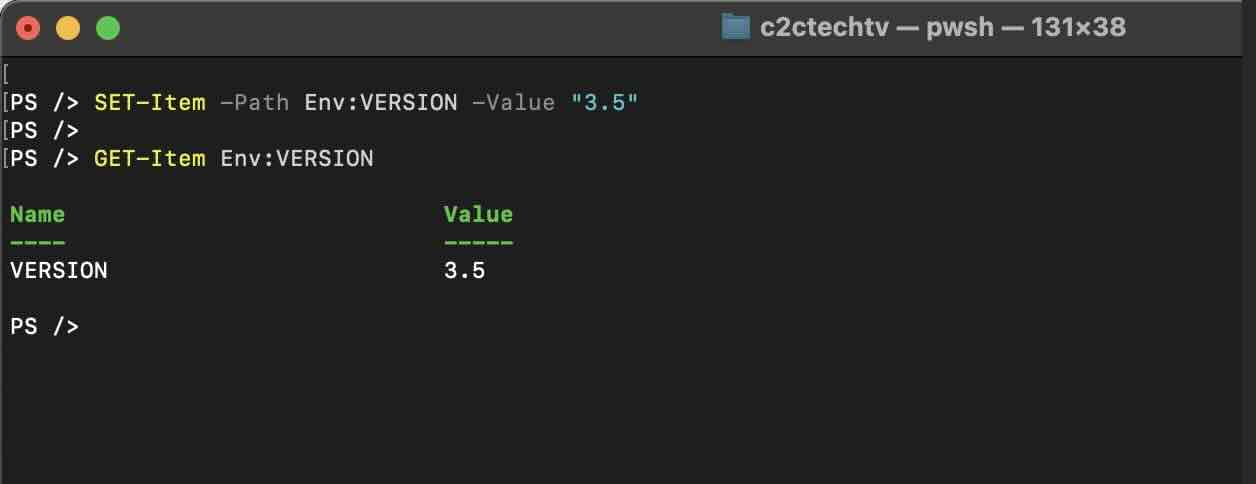
Example 2: Set Environment Variable Using Set-Item cmdlet
PS /> SET-Item -Path Env:VERSION -Value "3.5"

PS /> GET-Item Env:VERSION

Name                           Value
----                           -----
VERSION                        3.5
Provide Feedback For This Article
We take your feedback seriously and use it to improve our content. Thank you for helping us serve you better!
😊 Thanks for your time, your feedback has been registered!
Comments & Discussion
Facing issues? Have questions? Post them here! We're happy to help!