
We can make use of the .length property in jQuery to know if an element exists or not in the HTML page DOM.
The .lenght property returns a count of the number of elements that are present on the page. If there is no match then the count is zero.
Example:
<div id="welcome">
Welcome to Code2care.org
</div>

<div id="tagline">
Code2dcare - Lines of code for a change!
</div>

<script>
if ($('#welcome').length > 0) {
    console.log("Element exists.");
} else {
    console.log("Element doesn't exist.");
}
</script>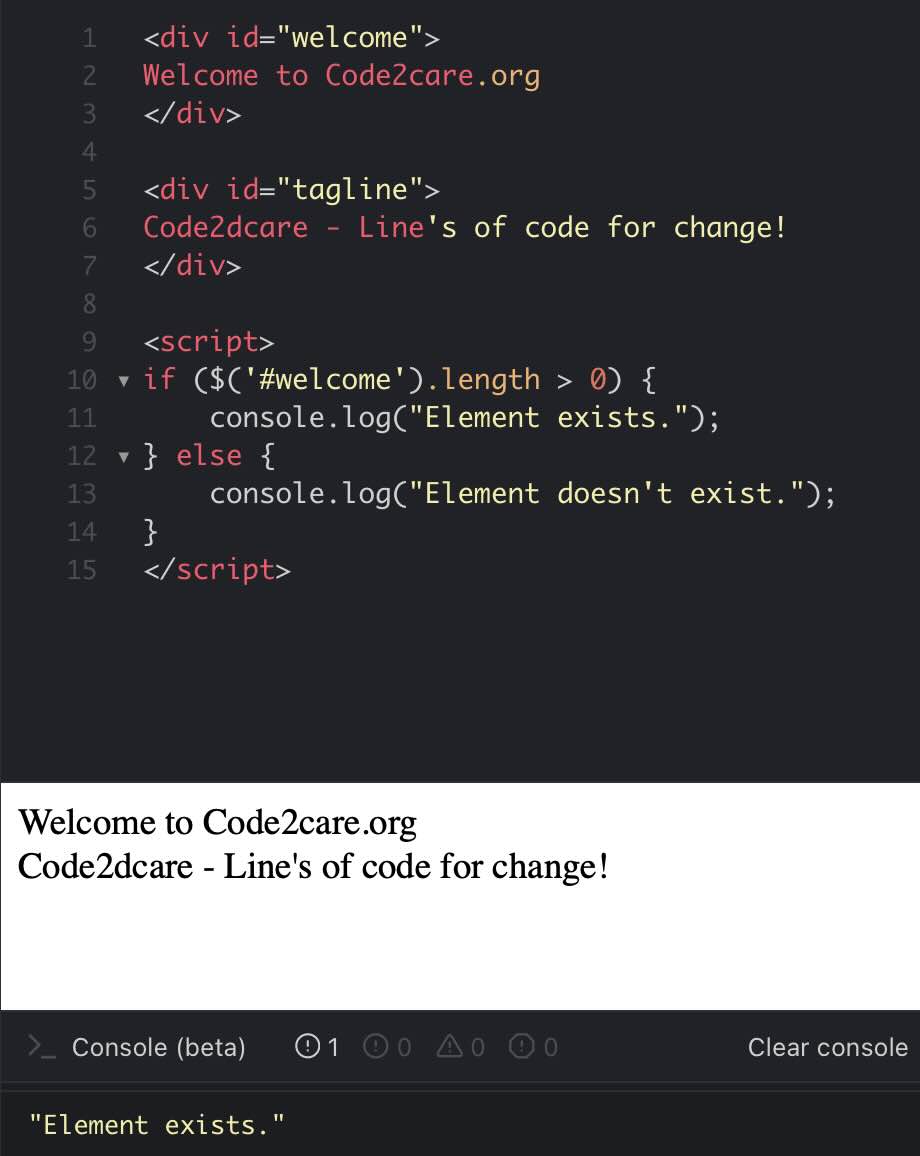
Provide Feedback For This Article
We take your feedback seriously and use it to improve our content. Thank you for helping us serve you better!
😊 Thanks for your time, your feedback has been registered!
Comments & Discussion
Facing issues? Have questions? Post them here! We're happy to help!