
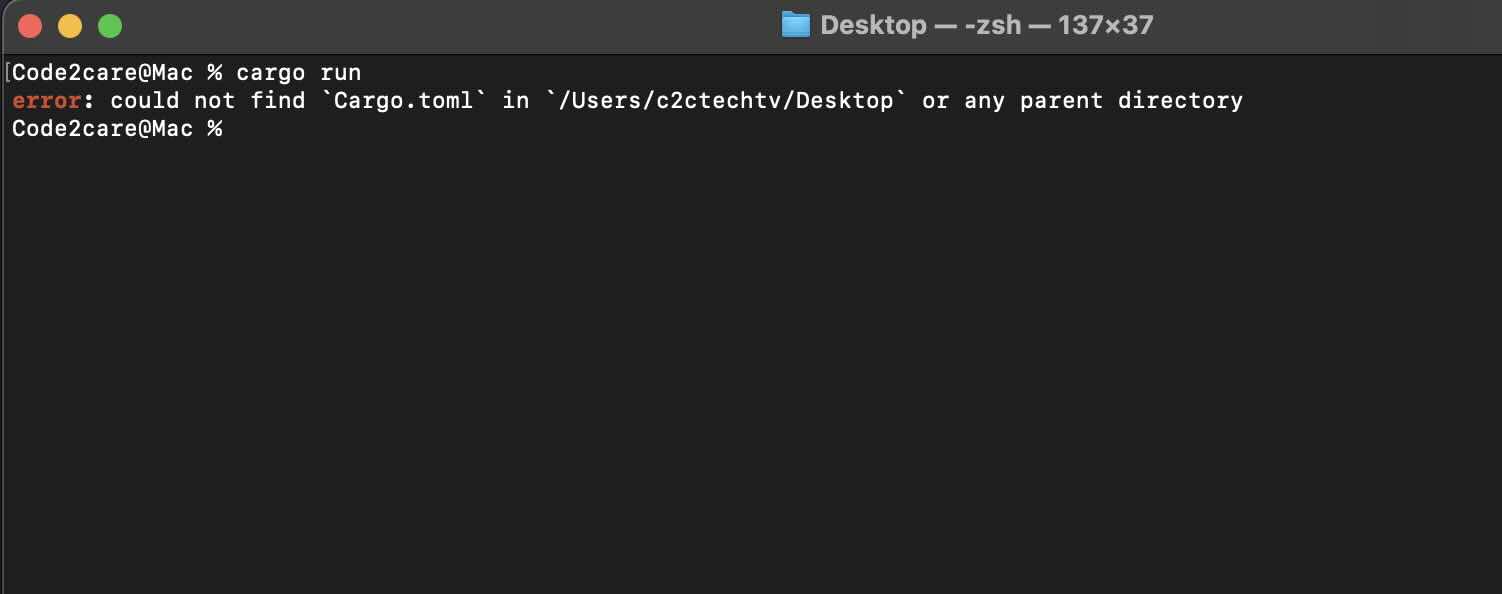
% cargo run

error: could not find `Cargo.toml` in `/Users/c2ctechtv/Desktop` or any parent directory
If you get Cargo.toml could not be found error when you try to run your Rust application using cargo run or build command, there could be a few reasons for it.
Reasons for the Cargo.toml not found Error
- You were not inside your rust project when you ran the
cargo run or buildcommand. - You provided the wrong path to the rust project when you ran the
cargo runcommand. - The Cargo.toml file is missing in your project.
Fix/Solutions
- Make sure you are within the working directory of your project.
% cd /Users/c2ctechtv/Desktop/hello_cargo

% % ls -l
total 16
-rw-r--r--  1 c2ctechtv  staff  155 Jul 18 22:48 Cargo.lock
-rw-r--r--  1 c2ctechtv  staff  180 Jul 18 22:47 Cargo.toml
drwxr-xr-x  3 c2ctechtv  staff   96 Jul 18 22:48 src
drwxr-xr-x@ 5 c2ctechtv  staff  160 Jul 18 22:48 target

% cargo run

    Finished dev [unoptimized + debuginfo] target(s) in 0.03s
     Running `target/debug/hello_cargo`

Hello, world!
Provide Feedback For This Article
We take your feedback seriously and use it to improve our content. Thank you for helping us serve you better!
😊 Thanks for your time, your feedback has been registered!
Comments & Discussion
Facing issues? Have questions? Post them here! We're happy to help!