
Make use of the split() method to split a string in Python,
By default when you do not pass any argument to the split method, the string is split by whitespace.
Example: Split Python String using whitespace"""
Sprint String in Python
Author: Code2care.org
Date: 03-Apr-2022
Version: 1.0
"""
my_string ="Hello there! Welcome to Python Programming!"
my_string_list = my_string.split()
for str in my_string_list:
print(str)Hello
there!
Welcome
to
Python
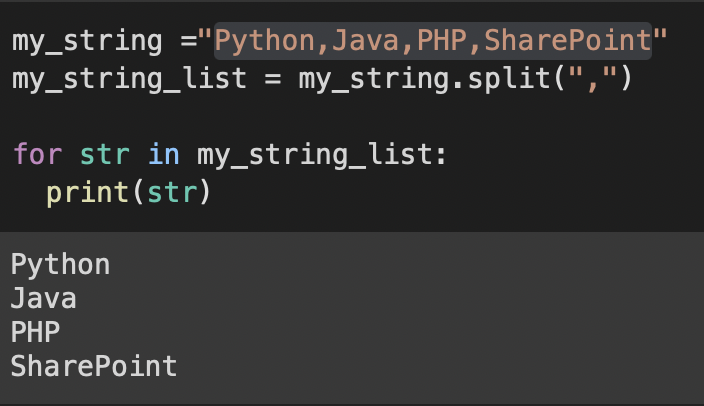
Programming!If you want to split a string using other characters like comma, semi-colon, pipe, new-line character or anything else, you can pass that delimited as an argument to the split method,
Example: Split Python String using commamy_string ="Python,Java,PHP,SharePoint"
my_string_list = my_string.split(",")
for str in my_string_list:
print(str)my_string ="Python;Java;PHP;SharePoint"
my_string_list = my_string.split(";")
for str in my_string_list:
print(str)my_string ="Welcome\nto\ncode2care"
my_string_list = my_string.split("\n")
for str in my_string_list:
print(str)Provide Feedback For This Article
We take your feedback seriously and use it to improve our content. Thank you for helping us serve you better!
😊 Thanks for your time, your feedback has been registered!
Comments & Discussion
Facing issues? Have questions? Post them here! We're happy to help!