
To find the MAC address of your Windows computer,
Windows Device:
- Press Windows Button + R and type cmd in Run prompt,
- Type: pconfig /all
- Look for Physical Address XX:XX:XX:XX:XX:XX, this is your MAC address
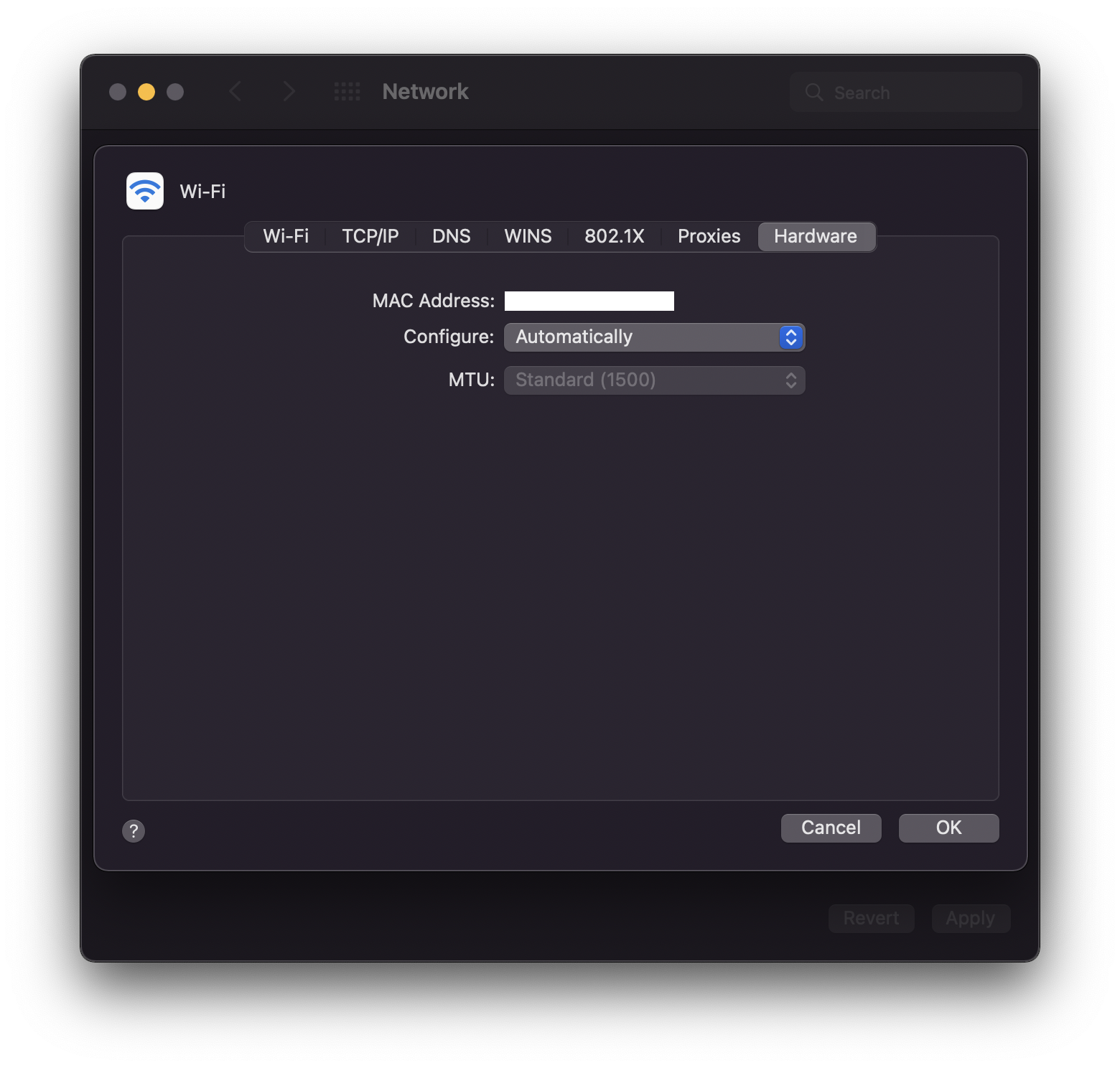
To find the mac address of your Apple device running macOS,
Mac Device:
- Go to Apple Menu: System Preferences...,
- Select Network
- Click on Advanced..
- Go to tab: Hardware, and you will see your Mac address.
Provide Feedback For This Article
We take your feedback seriously and use it to improve our content. Thank you for helping us serve you better!
😊 Thanks for your time, your feedback has been registered!
Comments & Discussion
Facing issues? Have questions? Post them here! We're happy to help!