
If you have a Java Application that is supposed to run on various operating system (Windows, macOS, Linux etc) it becomes very important to know which underlying operating system is the code executing to set options like - directory structure, file system, end of line encoding (CL, RF, CLRF) etc,
Java code to detect Operating System (OS):
/**
 *
 * Detect Java OS
 *
 */
public class Example {

    public static void main(String[] args) {

        String os = getOperatingSystemDetails();

        if(os.contains("Windows")) {
            System.out.println("Your Operating System is - Windows");
        } else if (os.contains("Mac OS X")) {
            System.out.println("Your Operating System is - macOS");
        } else if  (os.contains("Linux")) {
            System.out.println("Your Operating System is - Linux");
        } else {
            System.out.println("Your Operating System is " + os);
        }

    }

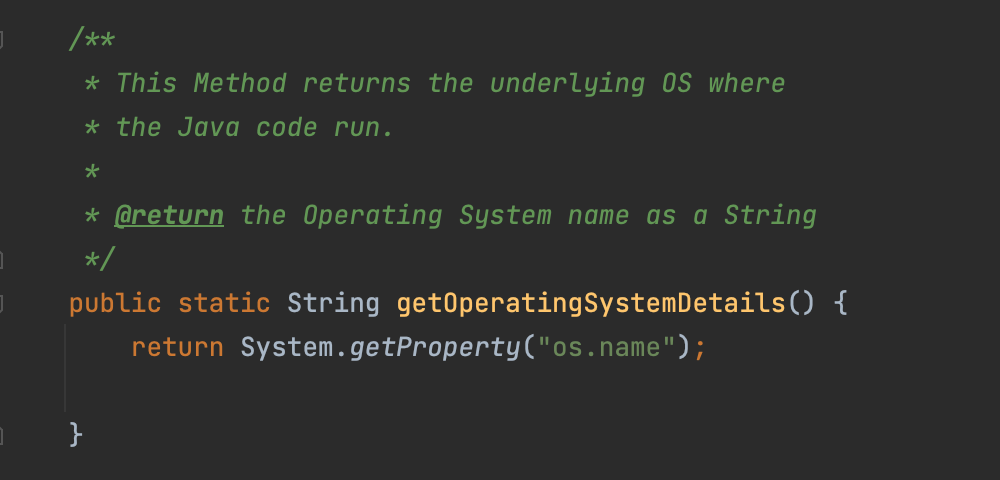
    /**
     * This Method returns the underlying OS where
     * the Java code run.
     *
     * @return the Operating System name as a String
     */
    public static String getOperatingSystemDetails() {
        return System.getProperty("os.name");

    }

}Your Operating System is - macOS
Provide Feedback For This Article
We take your feedback seriously and use it to improve our content. Thank you for helping us serve you better!
😊 Thanks for your time, your feedback has been registered!
Comments & Discussion
Facing issues? Have questions? Post them here! We're happy to help!