
If you want to run a Powershell script (.ps1) on your device, you can do that in the following ways depending upon the OS that you are on.
On Mac (macOS)
- Open Terminal (type 'Terminal' in Spotlight search and press enter)
- Now Type:
pwsh ./path/to/your/powershell/script.ps1 - The script will get executed.
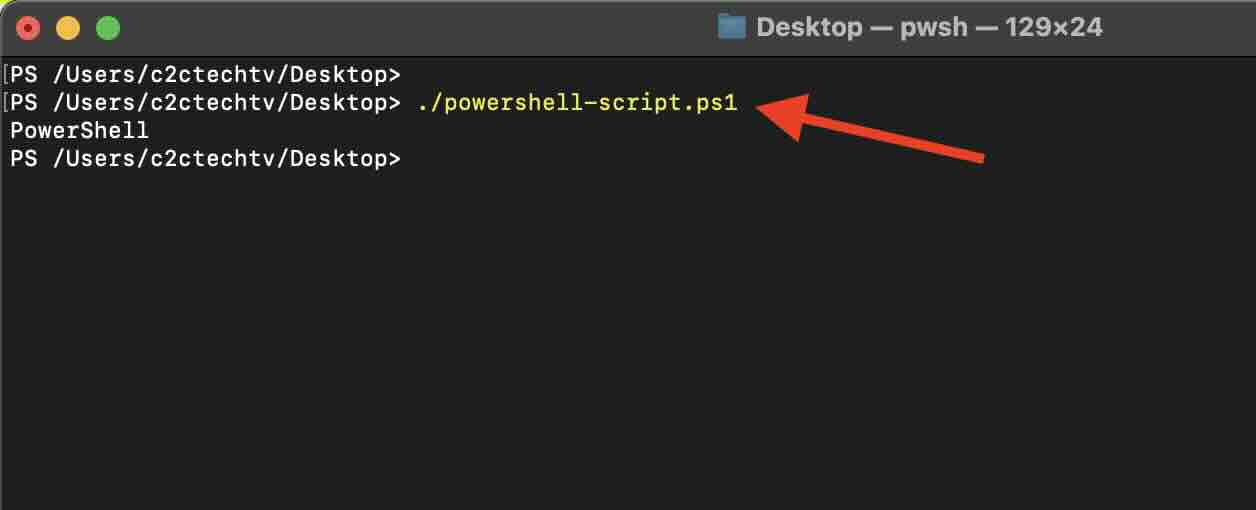
On Windows
- Open PowerShell (type 'PowerShell' in the Start menu and press Enter)
- Now, navigate to the directory containing your PowerShell script using the `cd` (Change Directory) command:
cd C:\path\to\your\script\directory - Execute your PowerShell script using the `.\` prefix to specify the current directory:
.\powershell-script.ps1 - The script will get executed.
On Linux (Ubuntu, Debian, CentOS, etc.)
- Open a terminal (You can find the terminal application in your applications menu)
- Navigate to the directory containing your PowerShell script using the cd (Change Directory) command:
cd /path/to/your/script/directory - Make sure you have PowerShell installed on your Linux distribution. If not, follow the official Microsoft documentation for installation: https://docs.microsoft.com/en-us/powershell/scripting/install/installing-powershell-core-on-linux
- Execute your PowerShell script using the pwsh command:
pwsh ./powershell-script.ps1 - The script will get executed.
Provide Feedback For This Article
We take your feedback seriously and use it to improve our content. Thank you for helping us serve you better!
😊 Thanks for your time, your feedback has been registered!
Comments & Discussion
Facing issues? Have questions? Post them here! We're happy to help!