We can make use of the Get-Item cmdlet from the Microsoft.PowerShell.Management module to get the size of a file.
Let's take a look at a few one-liner examples.
Example 1: For a File
(Get-Item 'data_2023.csv').LengthExample 2: For a File with Absolute Path
(Get-Item 'D:\documents\annual_report.xlsx').LengthExample 3: Convert File Size from Bytes to KB/MB
"{0:N2} {1}" -f ((Get-Item 'sharepoint.png').Length / 1MB), "MB"
References:
https://learn.microsoft.com/en-us/powershell/module/microsoft.powershell.management/get-item?view=powershell-7.3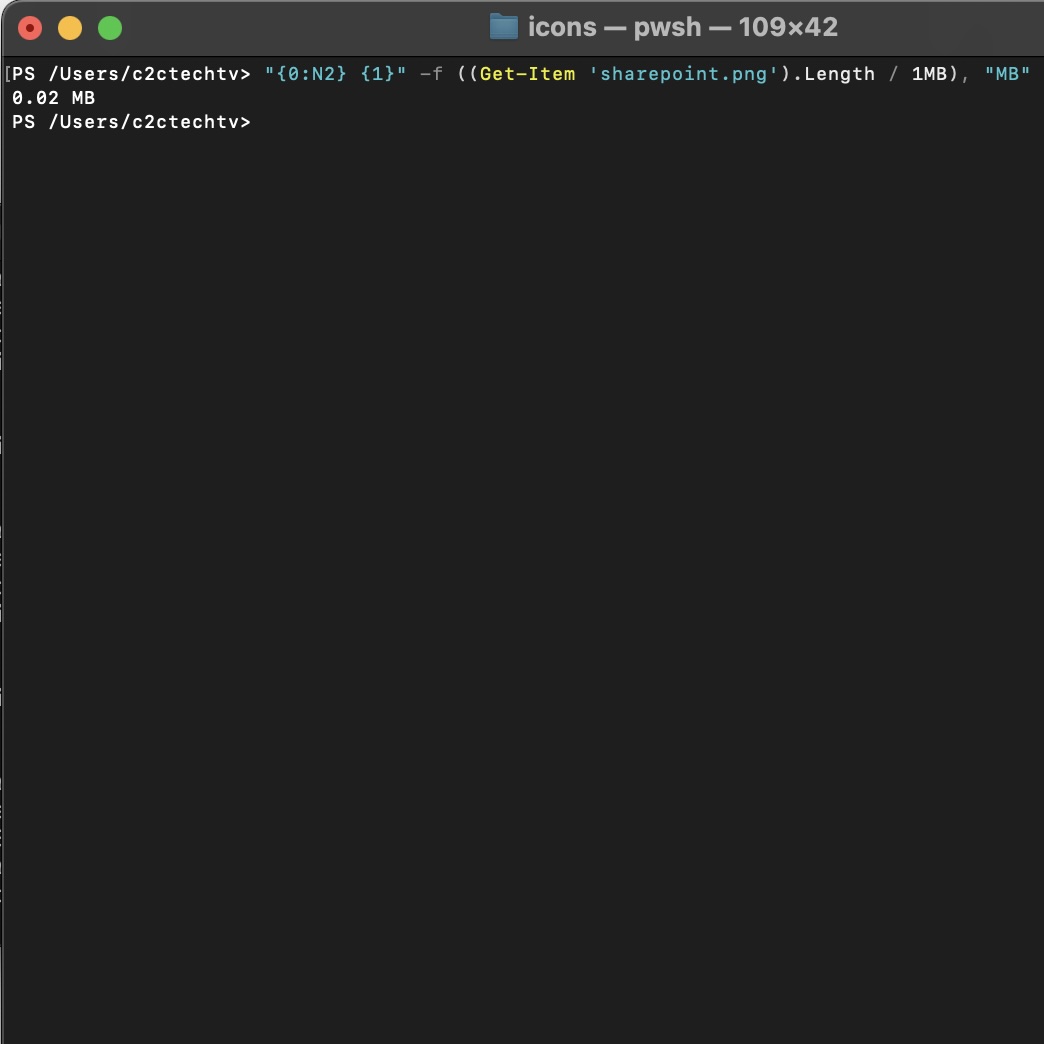
Comments & Discussion
Facing issues? Have questions? Post them here! We're happy to help!