Notepad++ is a good tool to draft some quick HTML/CSS/JavaScript code, but if you are wondering if it would be good to preview your HTML code in Notepad++ itself, well there is a plugin for this that can exactly do that! its called Preview HTML
How to install Preview HTML Plugin
- Go to Menu: Plugins -> Plugin Admin...
- Now search for Preview HTML,
- Click on Install,
- Notepad++ will restart
- You can now see the plugin installed under Menu: Plugins
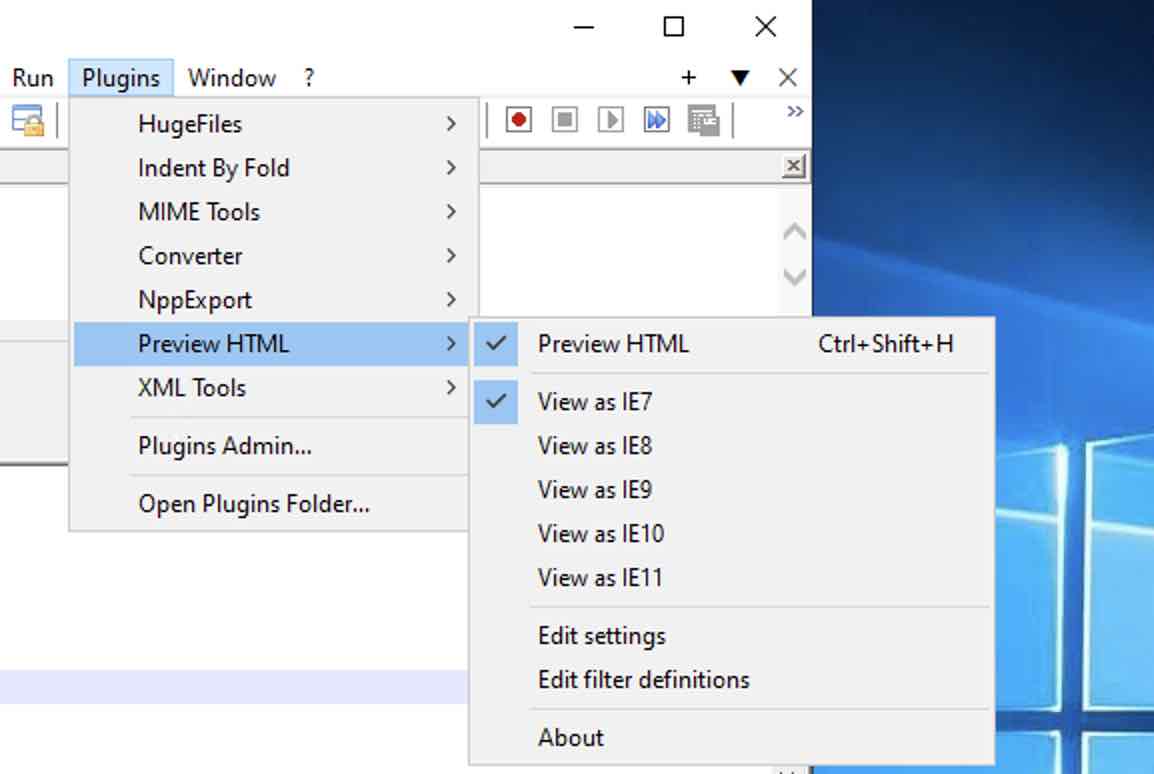
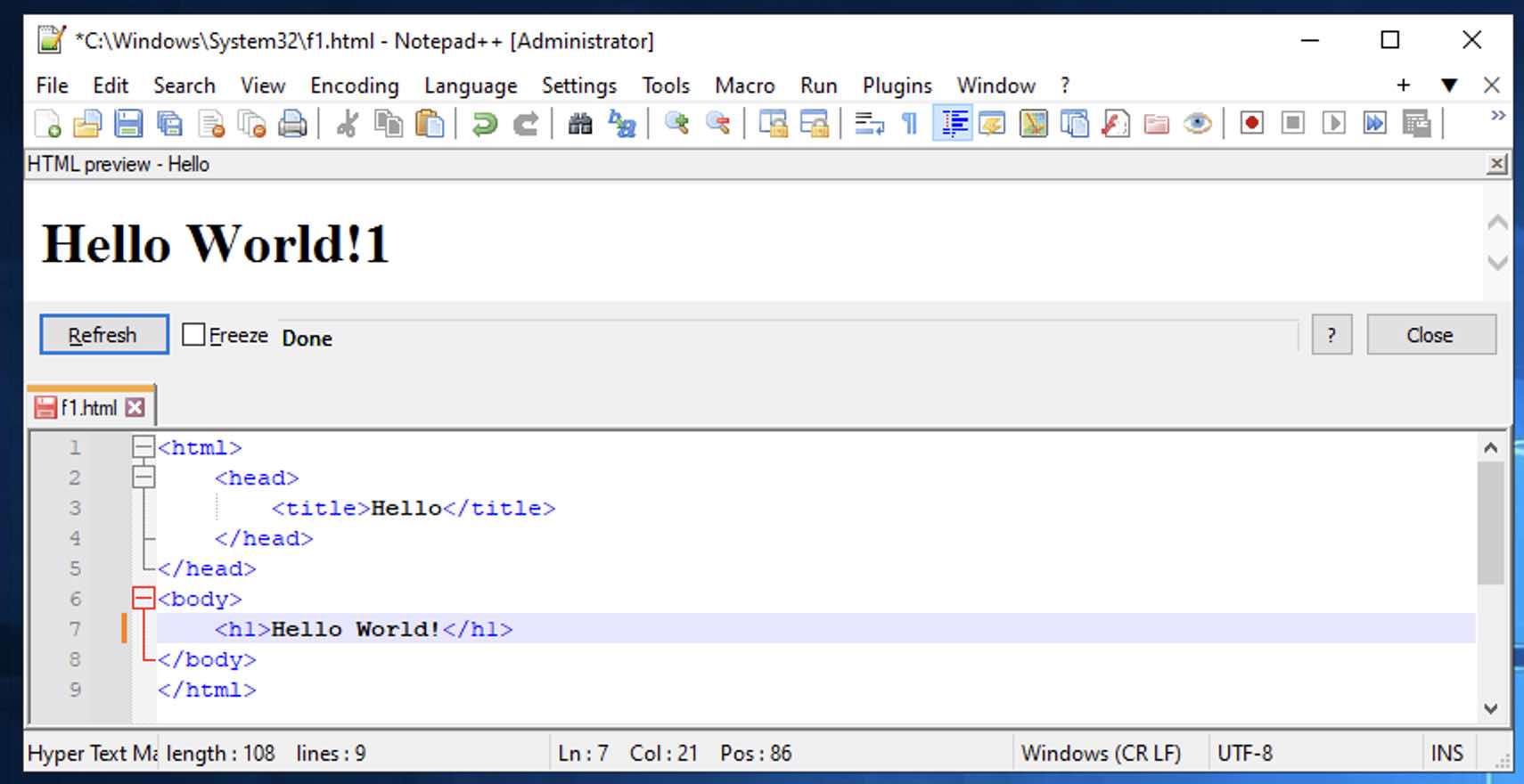

Preview HTML files inside Notepad++ (or in a floating window) without having to save them first.

Author: Martijn Coppoolse

Homepage: https://fossil.2of4.net/npp_preview
Comments & Discussion
Facing issues? Have questions? Post them here! We're happy to help!