
We can make use of the diff command to compare two files in bash shell.
Syntax:
diff <file1> <file2>Example:
bash-3.2$ cat data1.txt
date,temp
21-07-2023,10.1
22-07-2023,11.2
23-07-2023,11.5

bash-3.2$ cat data2.txt
date,temp
21-07-2023,10.1
22-07-2023,11.2
23-07-2023,11.5
24-07-2023,11.2

bash-3.2$ diff data2.txt data1.txt
5d4
< 24-07-2023,11.2
bash-3.2$
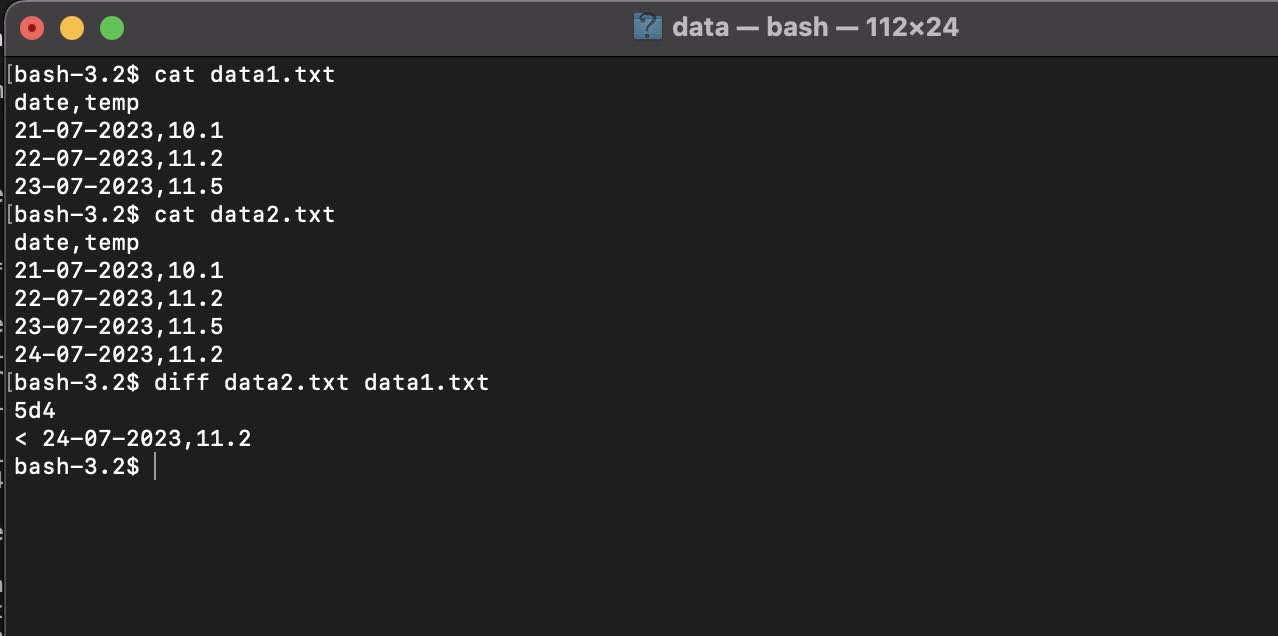
Screenshot:
Provide Feedback For This Article
We take your feedback seriously and use it to improve our content. Thank you for helping us serve you better!
😊 Thanks for your time, your feedback has been registered!
Comments & Discussion
Facing issues? Have questions? Post them here! We're happy to help!