
Undo or Redo are the most common operations one has to perform while working on a file, if you are making use of the Nano text editor, then you would need to make use of the keyboard shortcuts in order to do a undo or redo operation.
Let's take a look at them.
Undo Keyboard Shortcut (macOS/Linux/Windows)
Redo Keyboard Shortcut (macOS/Linux/Windows)
Note, this feature may not be available in all versions. I am using GNU Nano version 7.2
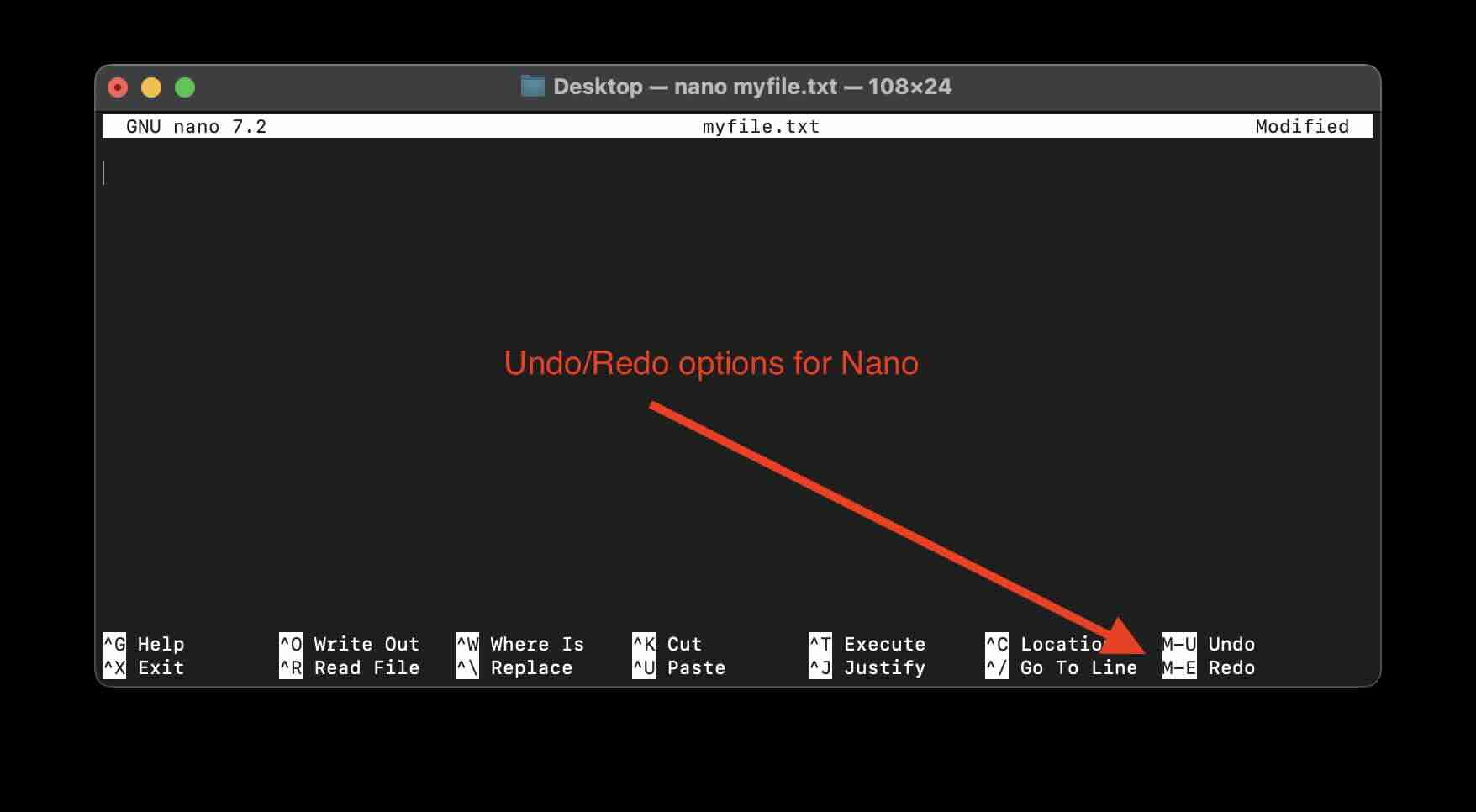
Also, you would see the keyboard shortcuts for undo/redo displayed on the Nano Options bar at the bottom as,
Provide Feedback For This Article
We take your feedback seriously and use it to improve our content. Thank you for helping us serve you better!
😊 Thanks for your time, your feedback has been registered!
Comments & Discussion
Facing issues? Have questions? Post them here! We're happy to help!