There are a few ways in which you can get the version details of RabbitMQ installed on the server/device. Let's take a look at each of them in detail.
Using the Command Line:
- On Linux or macOS:
Open a terminal and run the following command:
rabbitmqctl versionThis command will display the RabbitMQ version along with the Erlang version it is running on.
- On Windows:
Open Command Prompt or PowerShell and run:
rabbitmqctl.bat versionThis will show the RabbitMQ version.
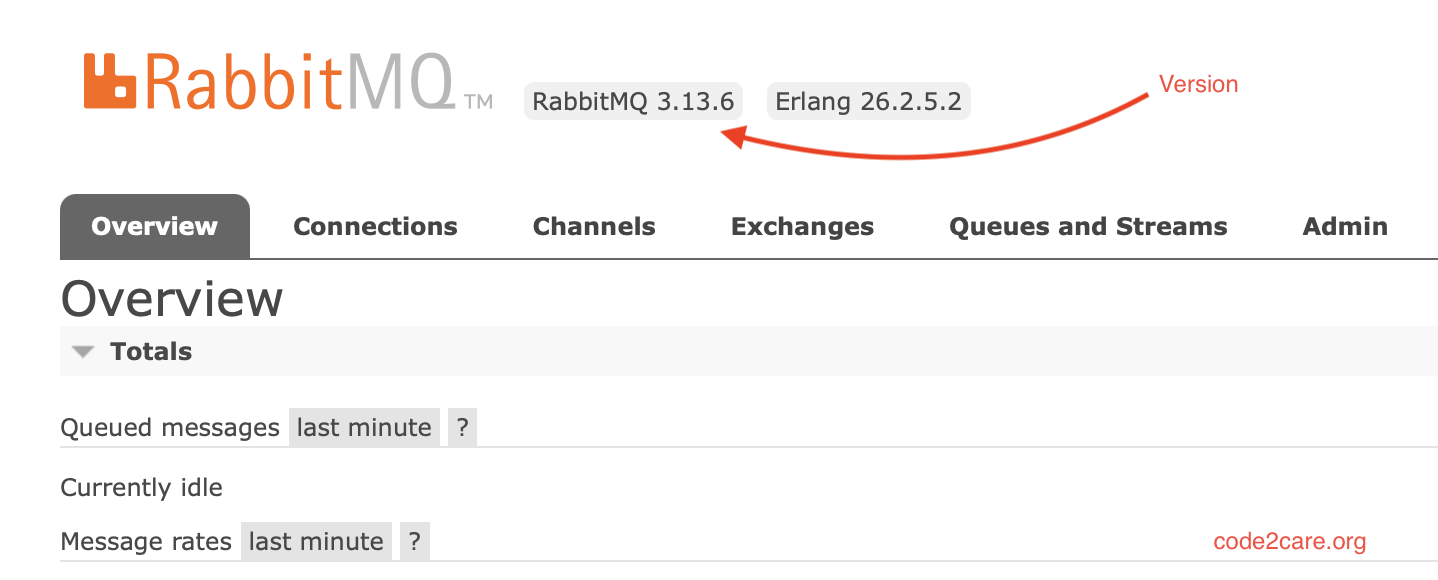
Using the RabbitMQ Management Interface:
- Open a web browser and navigate to the RabbitMQ Management Interface. By default, this is available at:

http://localhost:15672/
Comments & Discussion
Facing issues? Have questions? Post them here! We're happy to help!