
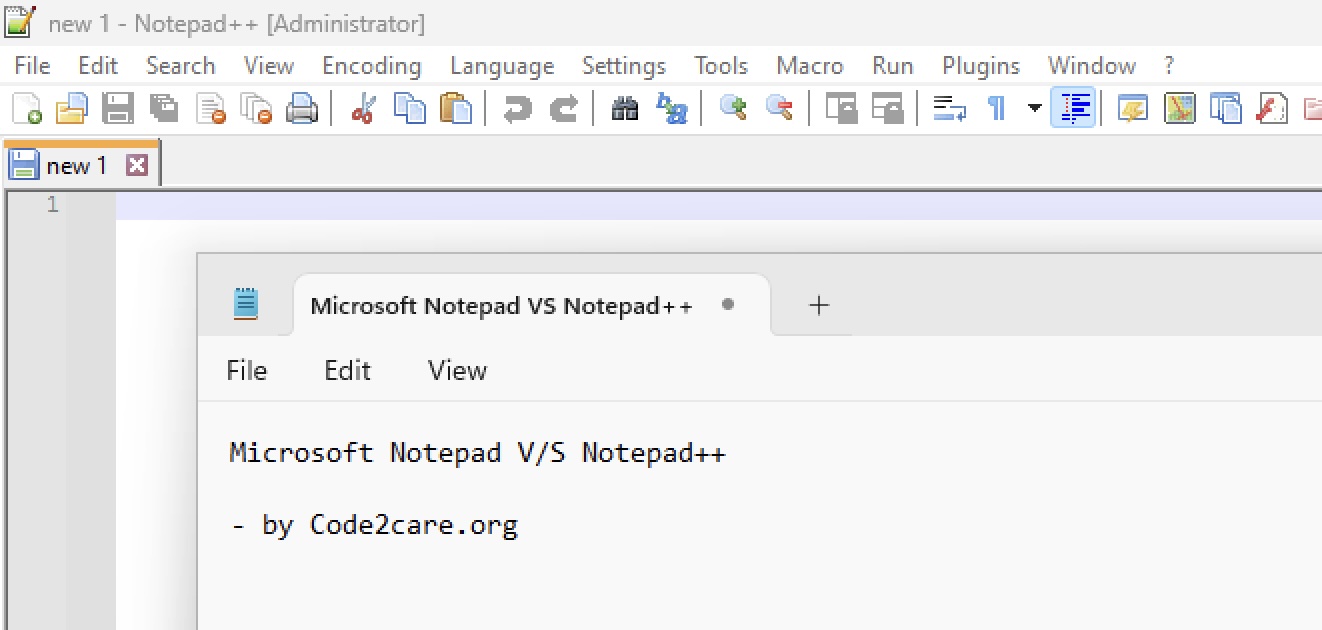
Over the last 11 years, I have been writing a lot of articles about using Notepad++ to ease a developer's life while working with text files. I thought it is a good time to answer this question with my own experience.
Notepad++ is undoubtedly one of the most powerful text and source code editors that offers several advantages over the standard Notepad application in Windows, here are a few reasons:
- Enhanced Features: Supports syntax highlighting for over 50 programming languages, code folding, and auto-completion.
- Plugins and Customization: Extend functionality through plugins for a tailored editing experience.
- User Interface: A more user-friendly and visually appealing interface with tabbed editing.
- Advanced Search and Replace: Offers powerful search and replace options, including regular expressions.
- Open Source: Free to use and regularly updated by a community of developers.
Pros and Cons: Notepad++ vs Microsoft Notepad App
| Pros | Cons |
|---|---|
| Supports multiple programming languages | Can be overwhelming for beginners |
| Highly customizable with plugins | Some plugins may cause instability |
| Regular updates and community support | Not all features are available in the portable version |
| Advanced search and replace functionality | May require a learning curve to master |
| Free and open-source | Occasional bugs in new releases |
How to Set Notepad++ as the Default Text Editor in Windows 10 and 11
- Right-click on any
.txtfile and select Properties. - In the Properties window, find the Opens with section and click Change.
- Select Notepad++ from the list. If it’s not there, click More apps, then Look for another app on this PC and navigate to the Notepad++ installation folder.
- Check Always use this app to open .txt files and click OK.
- Repeat for other text file types as needed.
In conclusion, Notepad++ stands out as a superior text and source code editor compared to the standard Notepad application. Its rich feature set, including syntax highlighting, plugin support, and a customizable interface, makes it an essential tool for developers and casual users alike. By setting Notepad++ as your default text editor, you can enhance your productivity and enjoy a more efficient editing experience.
Provide Feedback For This Article
We take your feedback seriously and use it to improve our content. Thank you for helping us serve you better!
😊 Thanks for your time, your feedback has been registered!
Comments & Discussion
Facing issues? Have questions? Post them here! We're happy to help!