If you are using macOS version 12.3 Monterey or higher you would have noticed that Python 2 is no longer shipped with the macOS.
If you try to run commands using Python you will get a not found error.
% python sample.py

zsh: command not found: python
How to install Python 2.7.xx
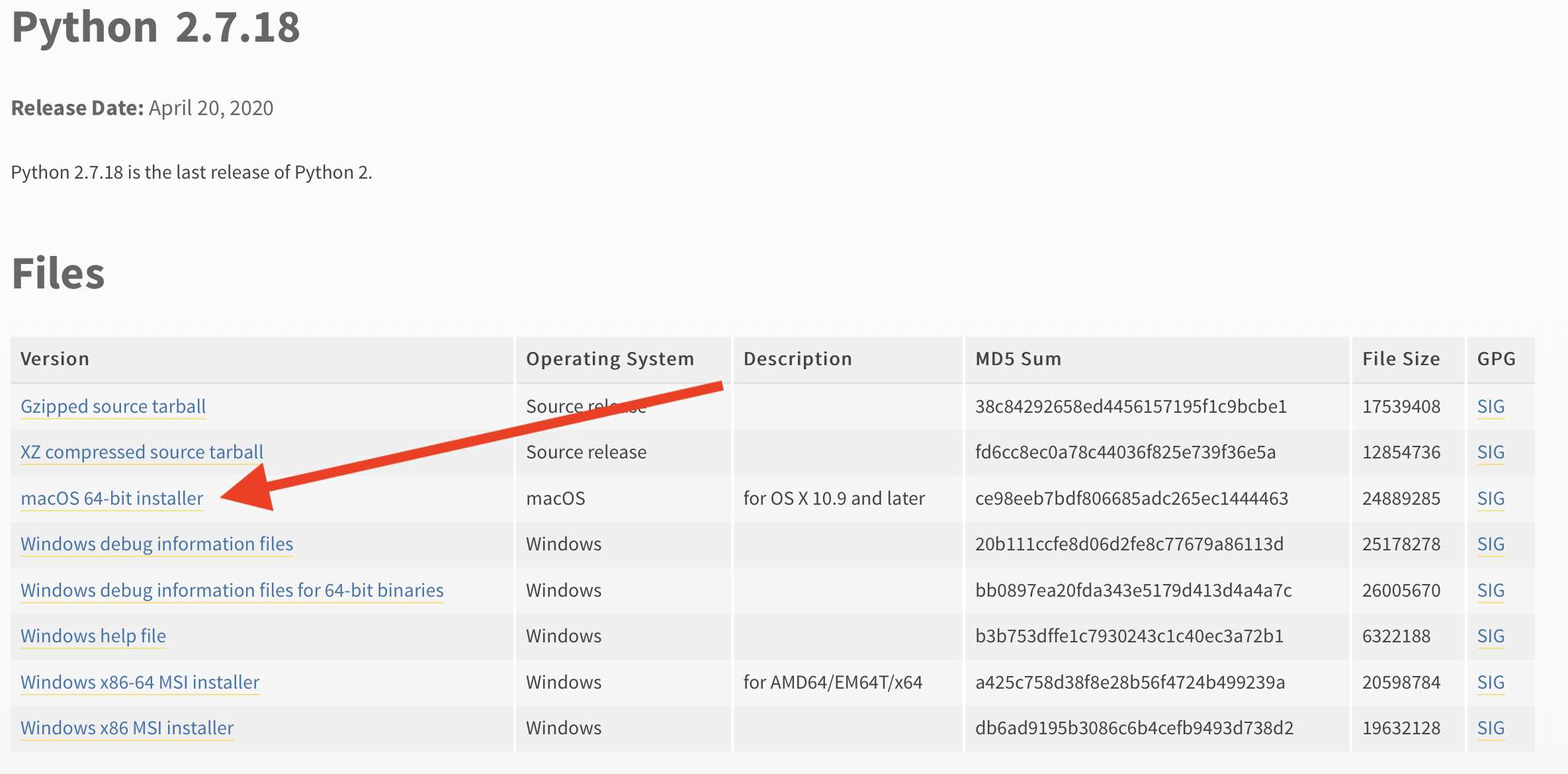
You may have a tough time if you try to install Python 2 using Brew. So the best and easiest way to get Python 2 back is by installing it using the macOS 64-bit installer

This is not an AI-generated article but is demonstrated by a human.
Please support independent contributors like Code2care by donating a coffee.
Buy me a coffee!
Comments & Discussion
Facing issues? Have questions? Post them here! We're happy to help!