>>> from google.colab import auth

Traceback (most recent call last):
  File "<stdin>", line 1, in <module>

ModuleNotFoundError: No module named 'google'
If you get ModuleNotFoundError in your Python code, then you need to make sure that the google.colab module is installed.
Based on which Python version you are using, you can make use of pip or pip3 command.
pip3 install google.colabor
pip install google.colab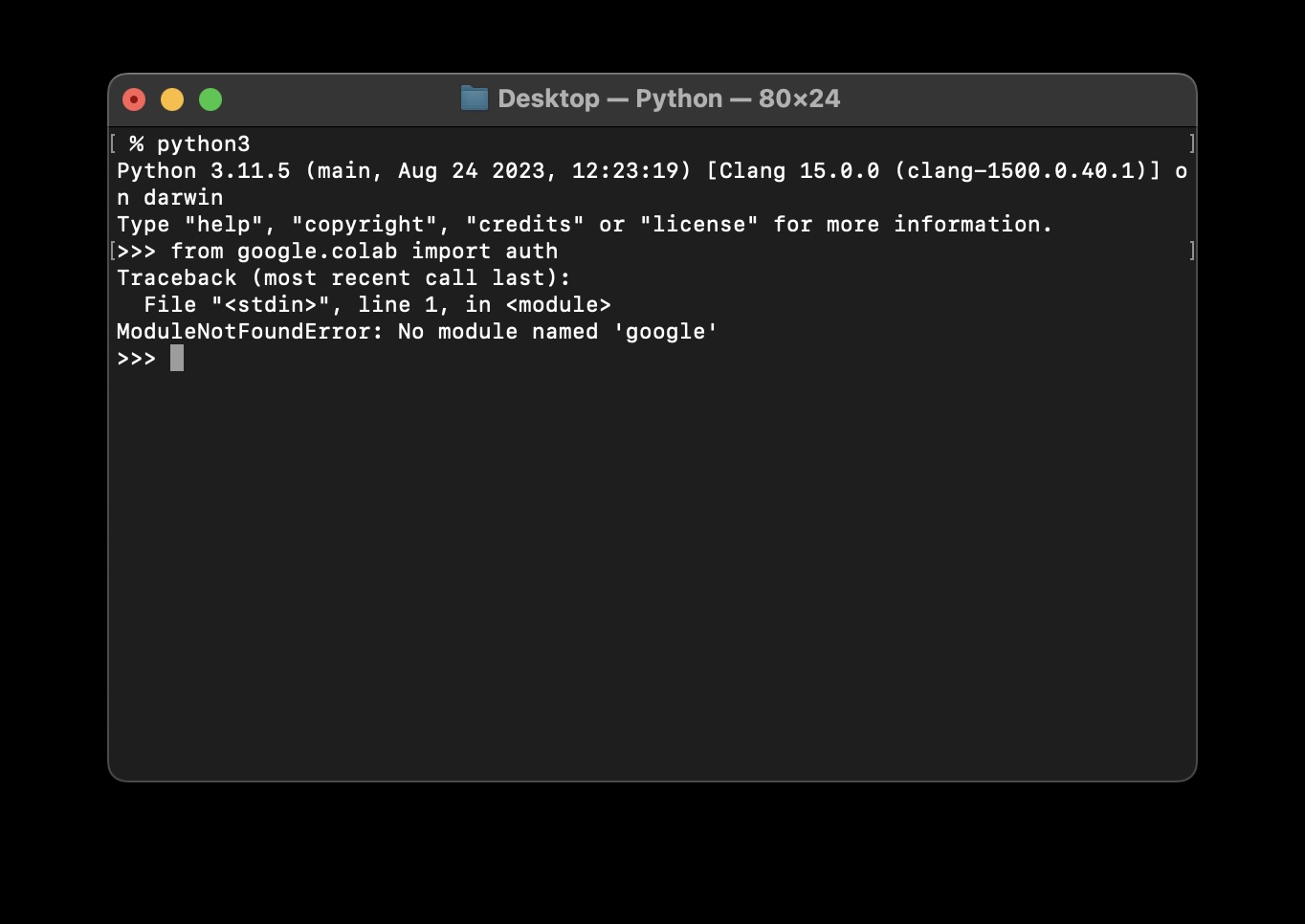

This is not an AI-generated article but is demonstrated by a human on an M1 Mac running macOS Sonoma 14.0.
Please support independent contributors like Code2care by donating a coffee.
Buy me a coffee!
Comments & Discussion
Facing issues? Have questions? Post them here! We're happy to help!