
If you want to make use of two databases in your Spring Boot application, then you can follow the below steps,
Step 1: Add Two DataSource Configuration in application.properties file
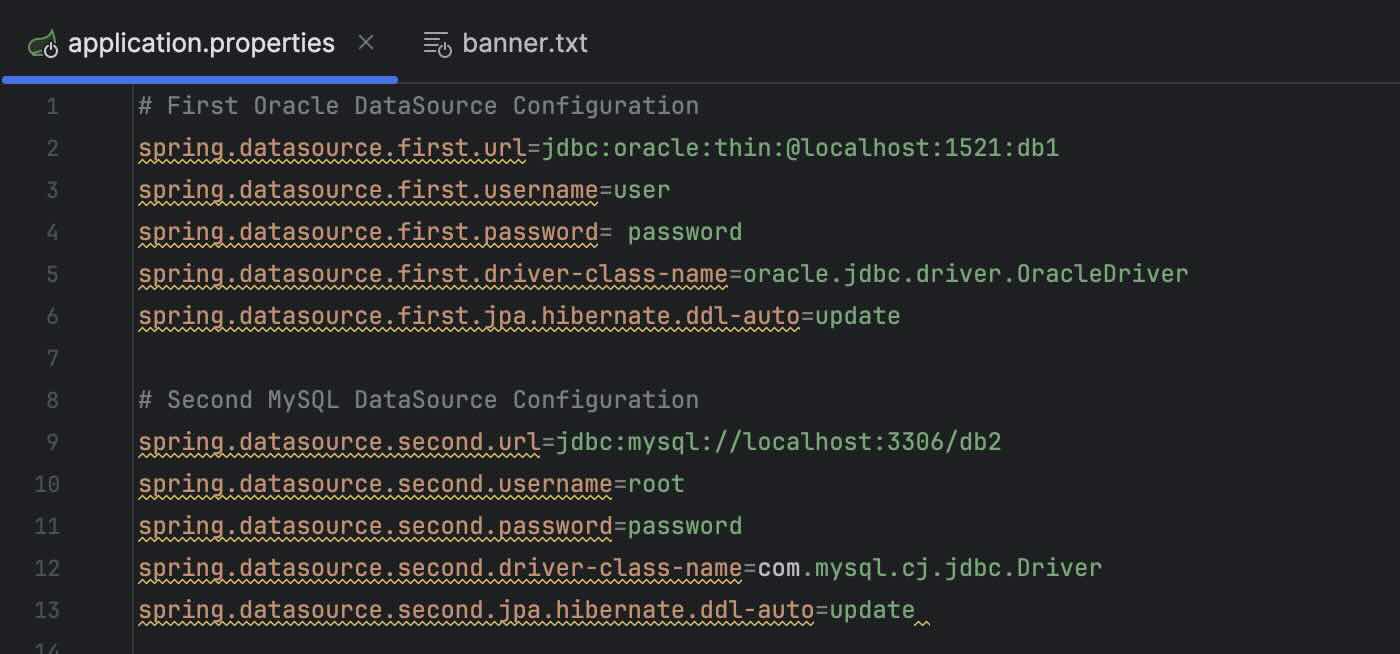
# First Oracle DataSource Configuration
spring.datasource.first.url=jdbc:oracle:thin:@localhost:1521:db1
spring.datasource.first.username=user
spring.datasource.first.password= password
spring.datasource.first.driver-class-name=oracle.jdbc.driver.OracleDriver
spring.datasource.first.jpa.hibernate.ddl-auto=update

# Second MySQL DataSource Configuration
spring.datasource.second.url=jdbc:mysql://localhost:3306/db2
spring.datasource.second.username=root
spring.datasource.second.password=password
spring.datasource.second.driver-class-name=com.mysql.cj.jdbc.Driver
spring.datasource.second.jpa.hibernate.ddl-auto=update
If you are using application.yml
# First Oracle DataSource Configuration
spring:
  datasource:
    first:
      url: jdbc:oracle:thin:@localhost:1521:db1
      username: user
      password: password
      driver-class-name: oracle.jdbc.driver.OracleDriver
      jpa:
        hibernate:
          ddl-auto: update

# Second MySQL DataSource Configuration
  datasource:
    second:
      url: jdbc:mysql://localhost:3306/db2
      username: root
      password: password
      driver-class-name: com.mysql.cj.jdbc.Driver
      jpa:
        hibernate:
          ddl-auto: update
Step 2: Add your beans in your Configuration Java file
@Bean
@Primary
@ConfigurationProperties(prefix="spring.datasource.first")
public DataSource primaryDataSource() {
    return DataSourceBuilder.create().build();
}

@Bean
@ConfigurationProperties(prefix="spring.datasource.second")
public DataSource secondaryDataSource() {
    return DataSourceBuilder.create().build();
}
Provide Feedback For This Article
We take your feedback seriously and use it to improve our content. Thank you for helping us serve you better!
😊 Thanks for your time, your feedback has been registered!
Comments & Discussion
Facing issues? Have questions? Post them here! We're happy to help!