If you want the Windows Terminal to be of a particular width and height, then you can change this by following the below steps.
- Open Terminal app.
- Now go to Settings.

Now go to Settings and expand "Launch Size" and size of Columns and Rows.
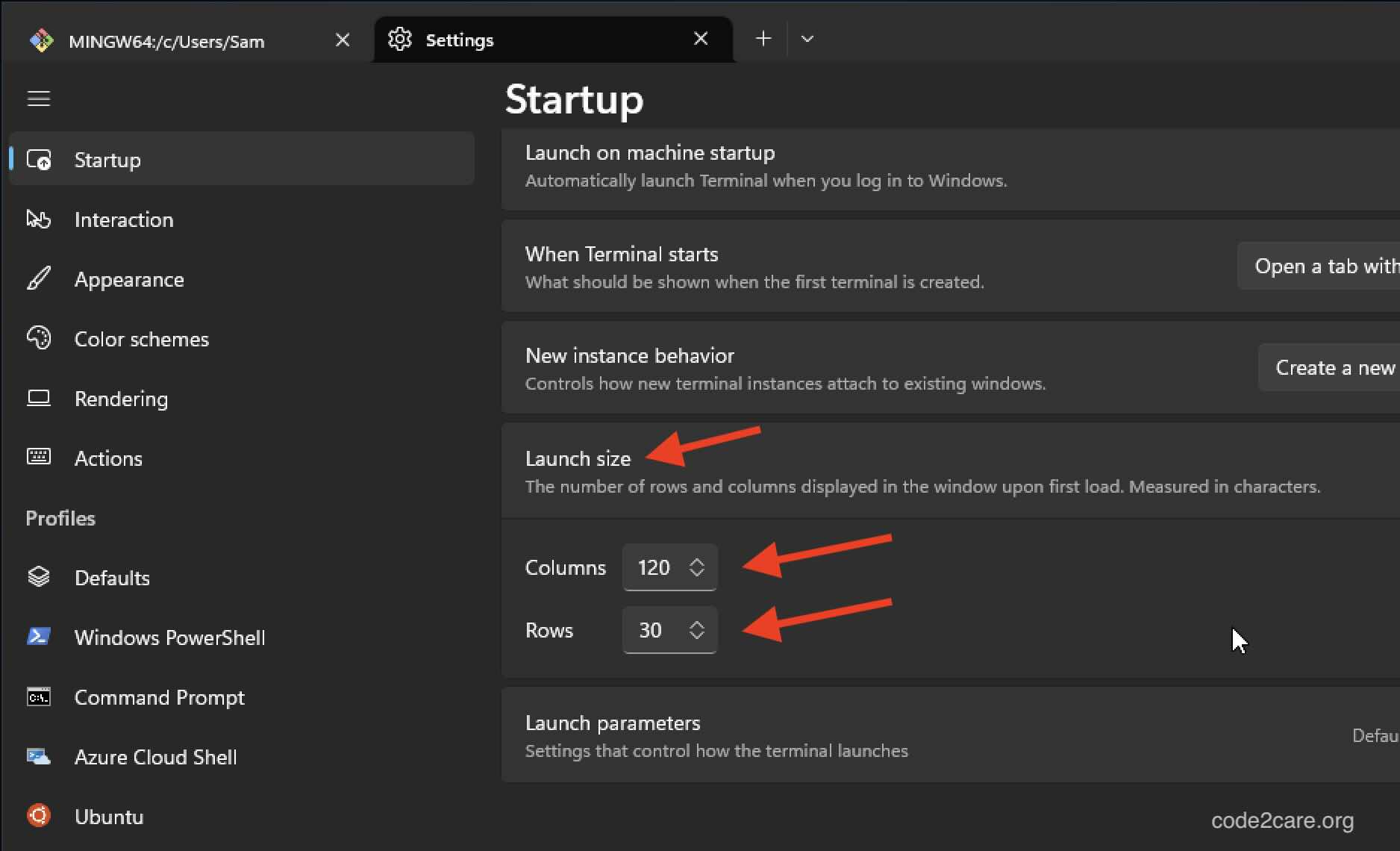
- Click on Save.

This is not an AI-generated article but is demonstrated by a human on Windows 11 PC.
Please support independent contributors like Code2care by donating a coffee.
Buy me a coffee!
Comments & Discussion
Facing issues? Have questions? Post them here! We're happy to help!