
To install packages such as PHP, npm, python, java, etc for your day-to-day code development, you would need to install a package manager such as Homebrew on your macOS.
✌️brew is not installed by default on macOS Monterey - If you try to run brew command in Terminal you will get zsh: command not installed: brew error.
Installing homebrew on macOS Monterey 12:
- Open Terminal,
- Run the below command:
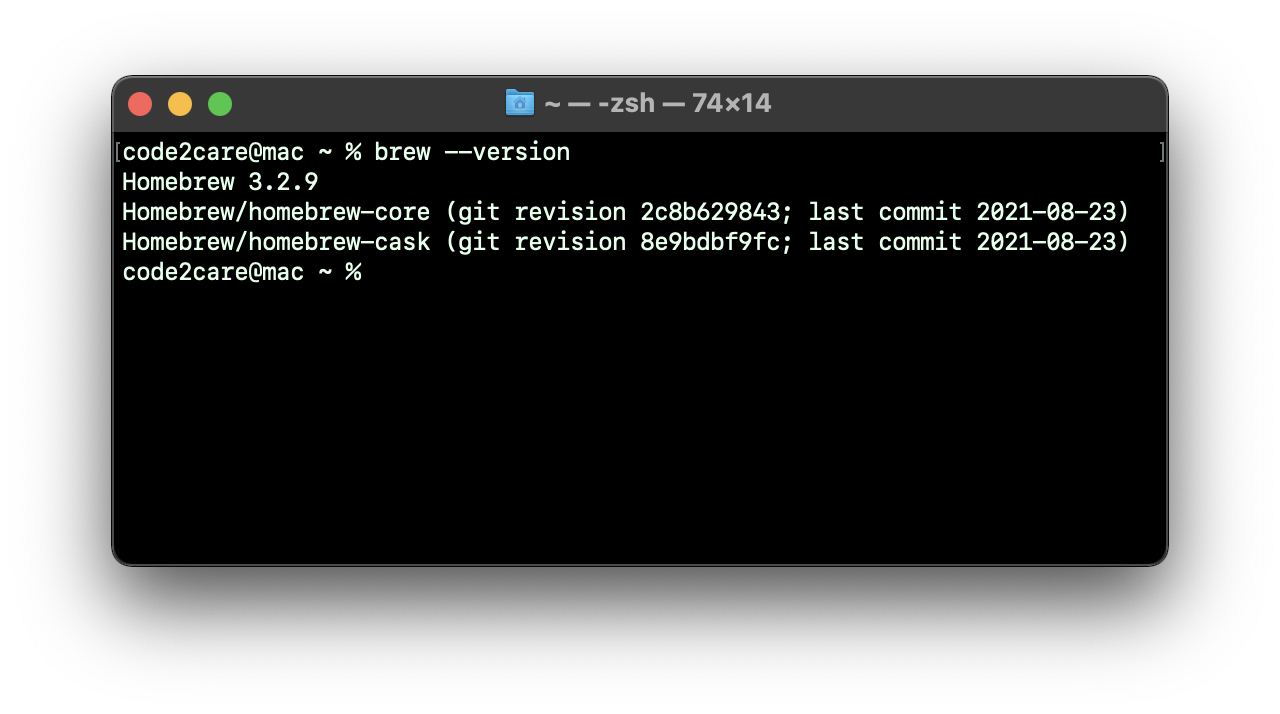
% /bin/bash -c "$(curl -fsSL https://raw.githubusercontent.com/Homebrew/install/HEAD/install.sh)"To test if brew has been installed properly on your Mac type the command brew --version
% brew --version

Homebrew 3.2.9
Homebrew/homebrew-core (git revision 2c8b629843; last commit 2021-08-23)
Homebrew/homebrew-cask (git revision 8e9bdbf9fc; last commit 2021-08-23)Provide Feedback For This Article
We take your feedback seriously and use it to improve our content. Thank you for helping us serve you better!
😊 Thanks for your time, your feedback has been registered!
Comments & Discussion
Facing issues? Have questions? Post them here! We're happy to help!