
In order to install new Packages in Sublime Text Editor you need to make use of the Package Control, to open Package Control, press Ctrl + Shift + P keys on Windows or Command + Shift + P if you are using Mac.
Now type "Install Package" and press enter. It may take a while to refresh the repositories and you should see and Text Field again where you can search for the packages you want to Install.
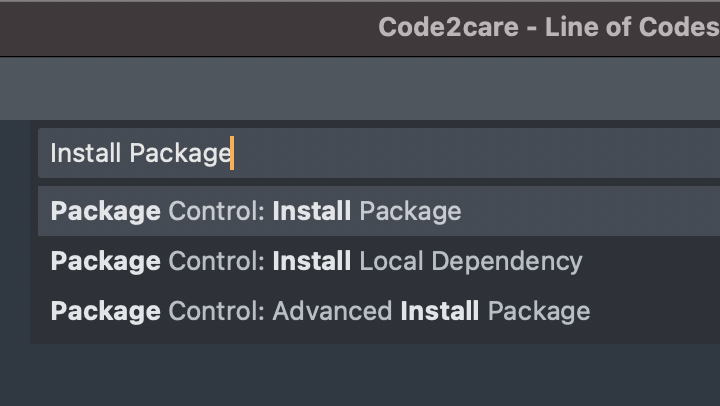
Check out an Example of how to install a package:
Sublime - Installing Word Count Package
Comments:
- Further comments disabled!
Comments & Discussion
Facing issues? Have questions? Post them here! We're happy to help!
Provide Feedback For This Article
We take your feedback seriously and use it to improve our content. Thank you for helping us serve you better!
😊 Thanks for your time, your feedback has been registered!