

If you get the above message when you are trying to create your App project using Xcode, do the following,
- Click on the fix button on warning message dialog,
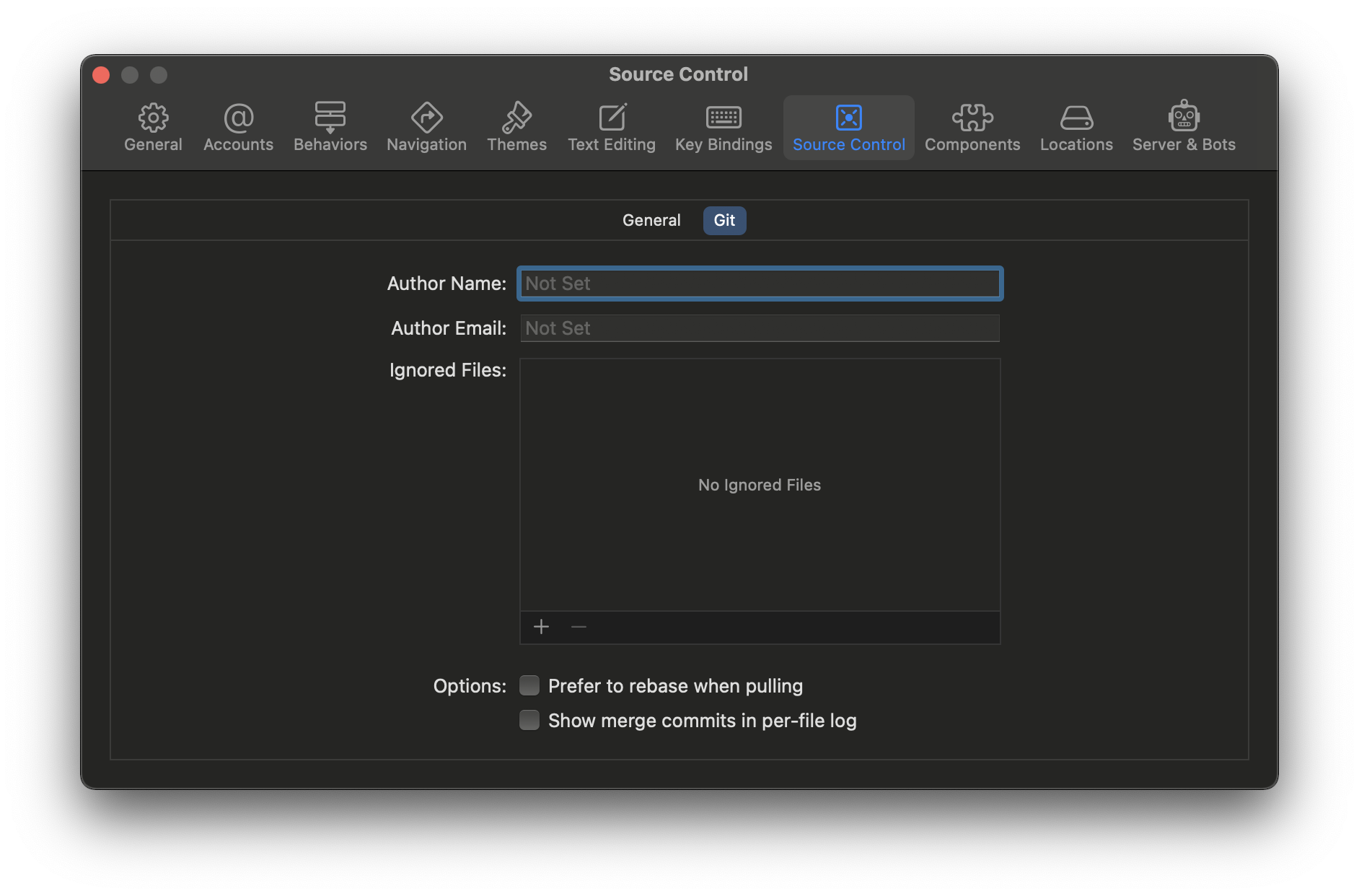
- You will see a source control window pop-up,
- Enter the Author Name (Author Email and Ignore Files are optional)
- Close the window.
If you had closed that dialog then you can go to the terminal and set the Terminal,
- Open Terminal,
- Move to the dir which you are using as git repo for your project,
- Run the below command,
$ git config user.name "Your User Name"You can also do the same using UI by going to Menu: Xcode -> Preferences... -> Sorce Control Tab. You will get the same window again as shown in the above option if you clicked fixed.
Provide Feedback For This Article
We take your feedback seriously and use it to improve our content. Thank you for helping us serve you better!
😊 Thanks for your time, your feedback has been registered!
Comments & Discussion
Facing issues? Have questions? Post them here! We're happy to help!