
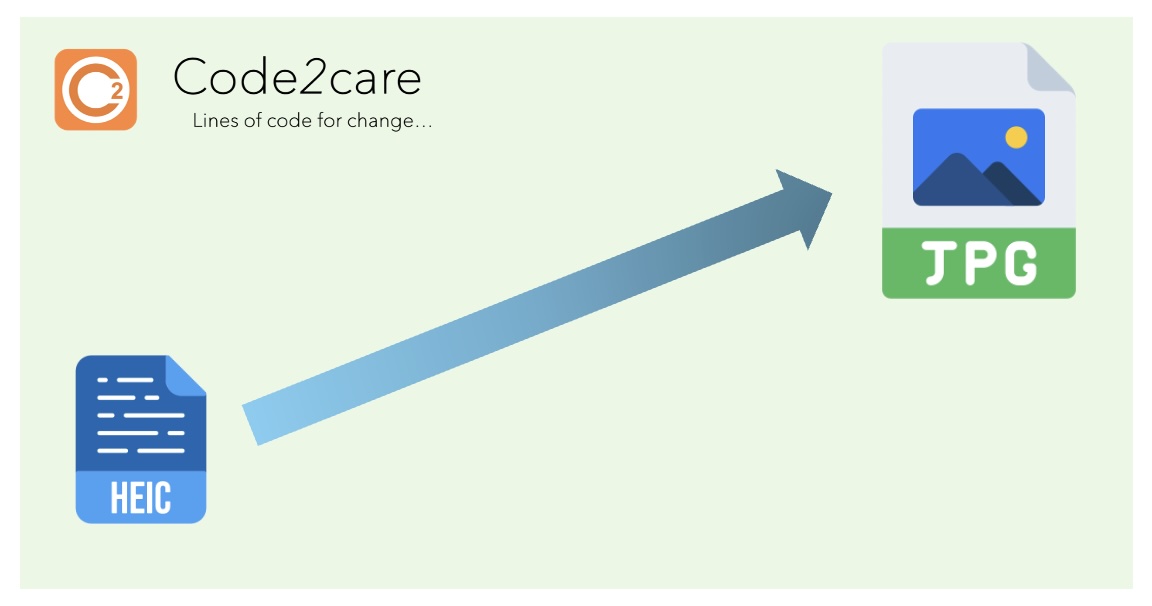
Tool: HEIC to JPG Image Converter
This app allows you to convert HEIC image files to JPG format. To use it, simply upload a HEIC file using the button below, and then click the "Convert and Download JPG" button to download the converted image.
Frequently Asked Questions (FAQ)
1. What is HEIC format?
HEIC (High Efficiency Image Container) is a file format for images developed by the Moving Picture Experts Group (MPEG). It offers better compression than JPEG while maintaining higher image quality.
2. What is JPG format?
JPG (or JPEG) stands for Joint Photographic Experts Group. It's a widely used image format known for its efficient compression and broad compatibility across devices and platforms.
3. Why is converting HEIC to JPG important?
Converting HEIC to JPG is important for compatibility reasons. While HEIC offers better compression, not all devices or software support this format. JPG is universally supported, making it easier to share and view images.
4. Which devices generate HEIC files?
HEIC files are primarily generated by Apple devices, including iPhones and iPads running iOS 11 or later, and Macs running macOS High Sierra or later.
5. Can I open HEIC files on Windows?
Windows 10 (version 1809 or later) can open HEIC files with the appropriate codecs installed. However, older versions of Windows may require third-party software or conversion to JPG.
6. Does converting HEIC to JPG reduce image quality?
There may be a slight reduction in image quality when converting from HEIC to JPG due to the difference in compression methods. However, for most purposes, this difference is negligible.
7. How do I change my iPhone to take photos in JPG instead of HEIC?
Go to Settings > Camera > Formats, and select 'Most Compatible' instead of 'High Efficiency'. This will make your iPhone capture images in JPG format.
8. Are there any advantages to keeping images in HEIC format?
Yes, HEIC files are smaller in size while maintaining high image quality. They also support features like image sequences and depth information, which can be useful for certain applications.
9. Can I convert multiple HEIC files to JPG at once?
Our online tool currently supports converting one file at a time. For batch conversions, you might need to use desktop software or other specialized tools.
10. Is it safe to use online HEIC to JPG converters?
Our converter processes files locally in your browser, ensuring your images never leave your device. Always be cautious when using online tools and avoid uploading sensitive images to unknown websites.
11. What's the maximum file size I can convert?
The maximum file size depends on your device's memory and processing power. Generally, files up to 50MB should work without issues.
12. Can I convert JPG back to HEIC?
While it's possible to convert JPG to HEIC, it's not commonly done and our tool doesn't support this conversion. The process wouldn't recover any data lost in the initial HEIC to JPG conversion.
13. Do professional photographers use HEIC?
Professional photographers typically prefer uncompressed or lossless formats like RAW for maximum quality and editing flexibility. HEIC is more commonly used for everyday photography on compatible devices.
14. Will social media platforms accept HEIC files?
Most social media platforms don't directly support HEIC uploads. They often automatically convert HEIC to JPG, or require users to convert files before uploading. This is why converting HEIC to JPG can be useful for sharing on social media.
15. Are there other alternatives to HEIC and JPG?
Yes, there are several other image formats like PNG (good for graphics), WebP (efficient for web use), TIFF (for high-quality prints), and various RAW formats used in professional photography.
Provide Feedback For This Article
We take your feedback seriously and use it to improve our content. Thank you for helping us serve you better!
😊 Thanks for your time, your feedback has been registered!
Comments & Discussion
Facing issues? Have questions? Post them here! We're happy to help!