
⌛️ 5-minute read! Difficulty: Moderate
Error Message:Try that again
Something went wrong.
The error code is 0x803F8001, in case you need it.
If you are trying to update an App from the Microsoft Windows Store like Xbox, Office, Maps, or others and you get 0x803F8001 error, then the most common reason is you are not signed in to Xbox.
Fix 0x803F8001 for Xbox Games or App
- Check Xbox Live Status Page to see if there is any outage (https://support.xbox.com/en-US/xbox-live-status
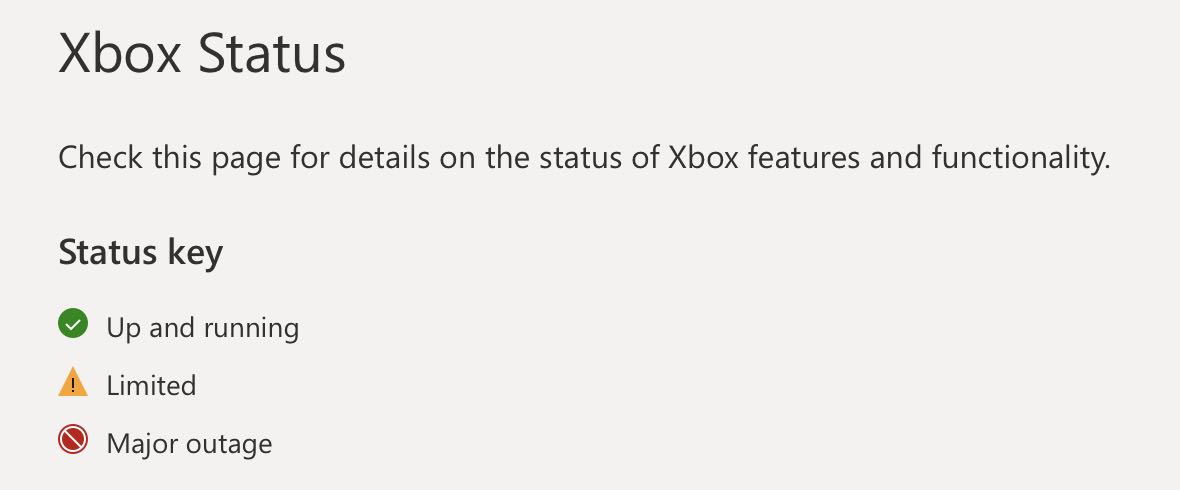
- Make sure you are signed into the Xbox network
- Make sure the Owner of the Game has signed in
- If the game is disc-based make sure the disc is inserted into the Xbox console.
- Make sure that the game subscription is valid: Go to Settings -> Account -> Subscriptions
Fix 0x803F8001 by restoring Windows Store Cache
- Press Windows + R key to open Run dialog,
- Type wsreset.exe and press enter,
- Reopen Windows Store after clearing cache.
Fix 0x803F8001: Check of Windows Updates: Windows 8/10/11
Make sure that your Windows operating system is up to date.
Provide Feedback For This Article
We take your feedback seriously and use it to improve our content. Thank you for helping us serve you better!
😊 Thanks for your time, your feedback has been registered!
Comments & Discussion
Facing issues? Have questions? Post them here! We're happy to help!