
If you want to change the default language of the macOS Safari web browser, you can follow the below steps,
⚠️ Note: This will change the default language of all the
applications to the one you set as primary.- Close Safari,
- Now go to Apple Menu: System Preferences...,
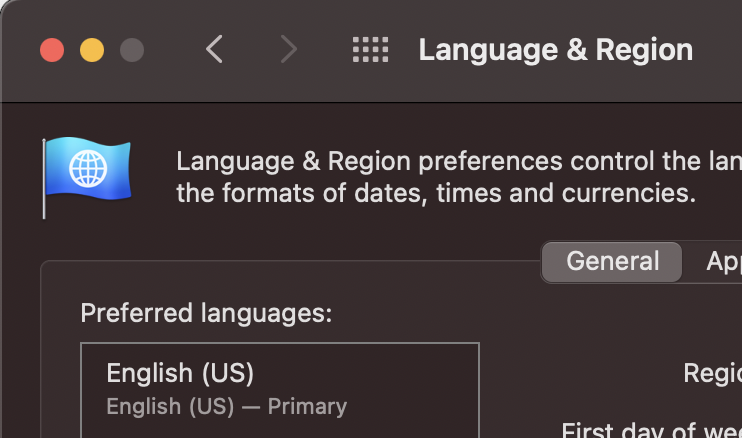
- Click on Language & Region,
- Click on + sign to add new Region,
- Select a prefered language,
- Click on Add,
- You will see a prompt based on what you select: Would you like to use English (US) as your primary language?: When changing your primary language, some applications may not use the new language until your computer is restarted.
- You may have to restart the system to apply the changes.
Provide Feedback For This Article
We take your feedback seriously and use it to improve our content. Thank you for helping us serve you better!
😊 Thanks for your time, your feedback has been registered!
Comments & Discussion
Facing issues? Have questions? Post them here! We're happy to help!