

If you are working on a Java Project in VS Code and while trying to add a Classpath you receive an error saying "Source Path must be in project root" you simply need to copy your external jar files in a folder within your project.
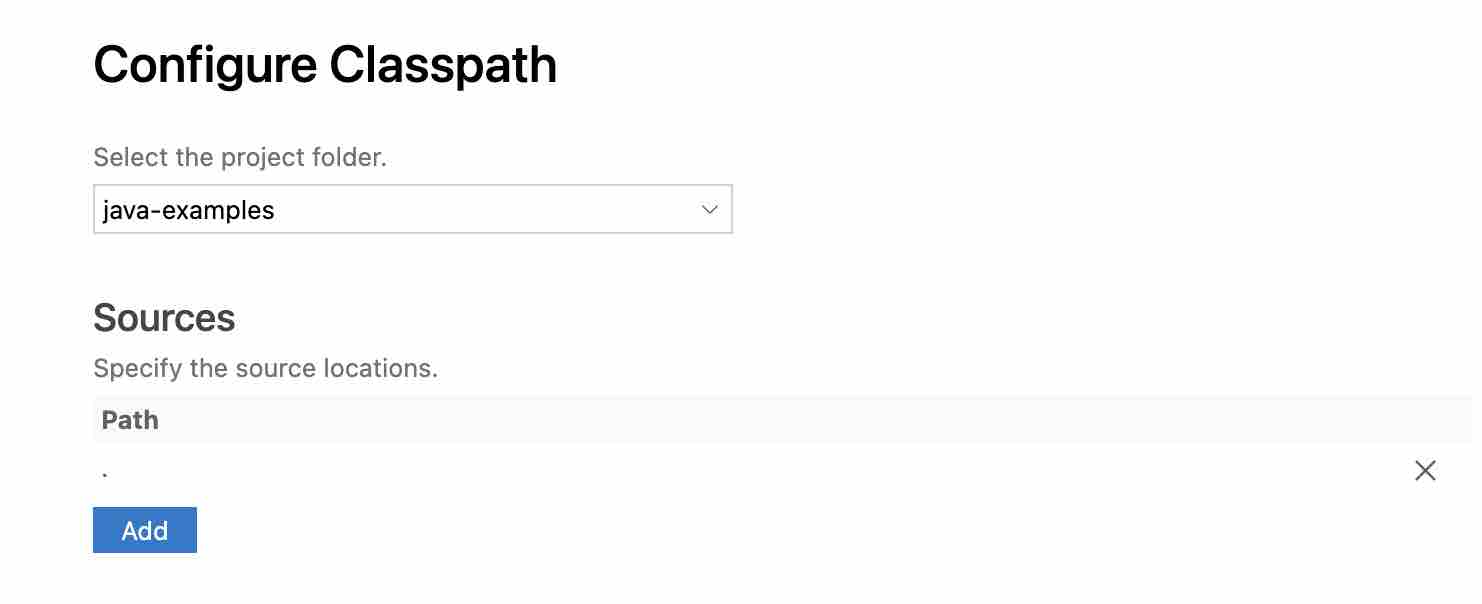
Add your dependencies/files with the project folder and this error will go.
Provide Feedback For This Article
We take your feedback seriously and use it to improve our content. Thank you for helping us serve you better!
😊 Thanks for your time, your feedback has been registered!
Comments & Discussion
Facing issues? Have questions? Post them here! We're happy to help!