
You can turn off Voiceover on your Macbook by pressing Command ⌘ + F5 function keys together.
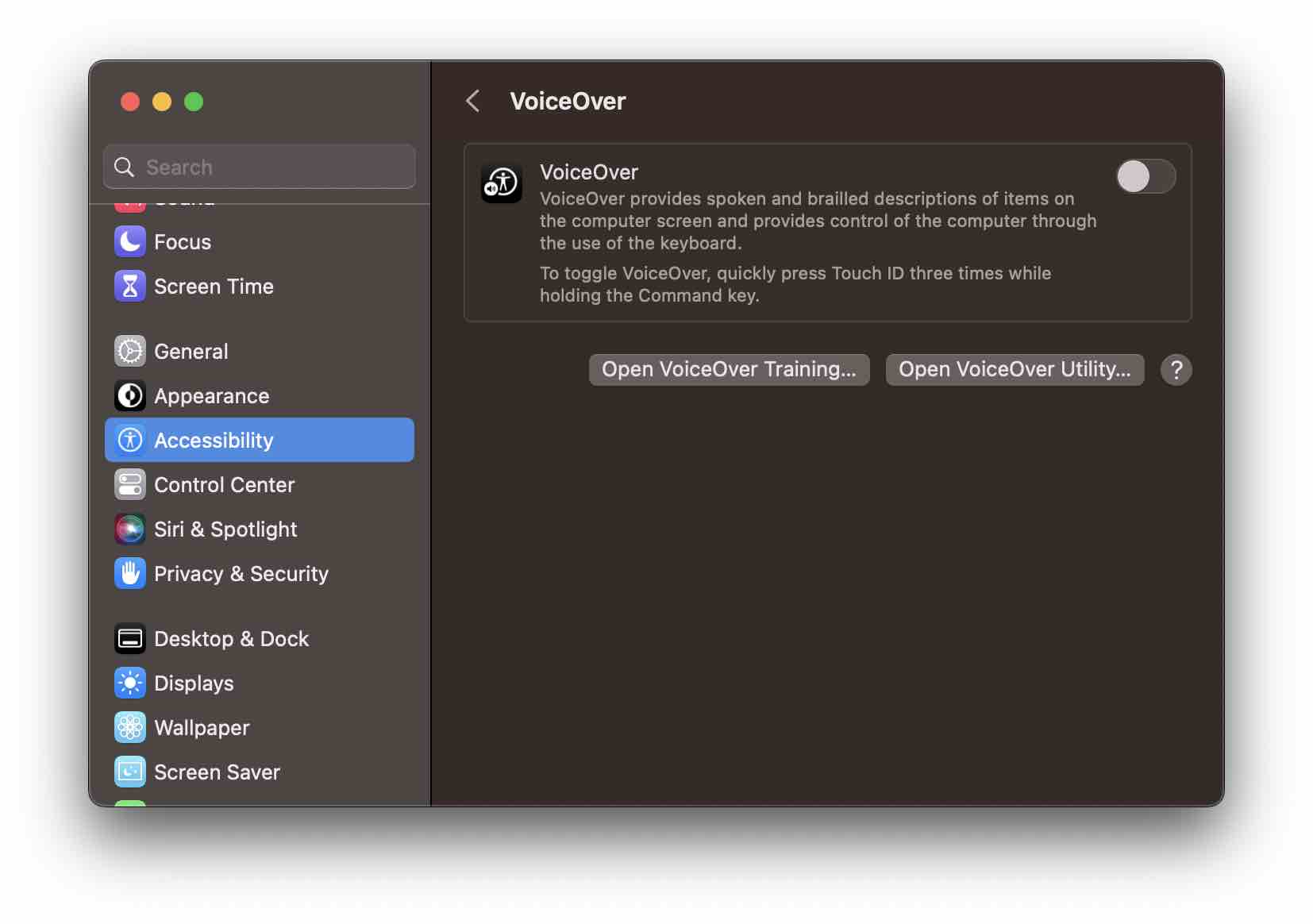
You can also turn off VoiceOver using menu options,
- Click on the Apple Menu ,
- Select System Preferences...* and go to Accessibility -> VoiceOver
- Turn off the VoiceOver using the toggle button.
* If you are on the latest macOS Ventura, you would see System Settings... instead.
Provide Feedback For This Article
We take your feedback seriously and use it to improve our content. Thank you for helping us serve you better!
😊 Thanks for your time, your feedback has been registered!
Comments & Discussion
Facing issues? Have questions? Post them here! We're happy to help!