
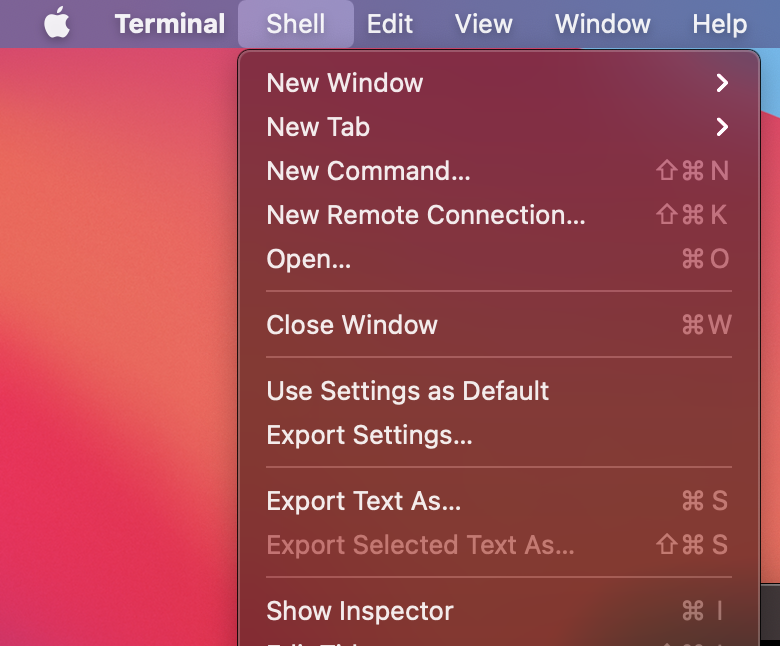
If you want to save the output of all the commands and their results for the current session in a text file on the macOS, you can do that by simply pressing Command + S keys, this will open a prompt that will ask you where you want to save the file to.
You can achieve the same by going to the Terminal menu > Shell > Export text as... option.
If you do not want to save the complete text of the console, then just select the text you want to save and press Command + S or go to Menu > Shell > Export Selected text as...
Have Questions? Post them here!
Provide Feedback For This Article
We take your feedback seriously and use it to improve our content. Thank you for helping us serve you better!
😊 Thanks for your time, your feedback has been registered!
Comments & Discussion
Facing issues? Have questions? Post them here! We're happy to help!