
If you want to covert text to speech on your macOS Terminal you can make use of say command,
Syntax:say [-v voice] [-f file | string ...]Example 1: Text to speech using string
% say "Hello therehow are you?"Example 2: Text to speech using string and a female voice Alice
% say -v Alice "Hello, my name is Alice!"Example 3: Text to speech using text from file and a female voice Alice
% say -v Alice -f my-speech-text.txtbash-3.2$ echo "This message has been read from an external file" > my-speech-text.txt
bash-3.2$ say -v Alice -f my-speech-text.txt
bash-3.2$ 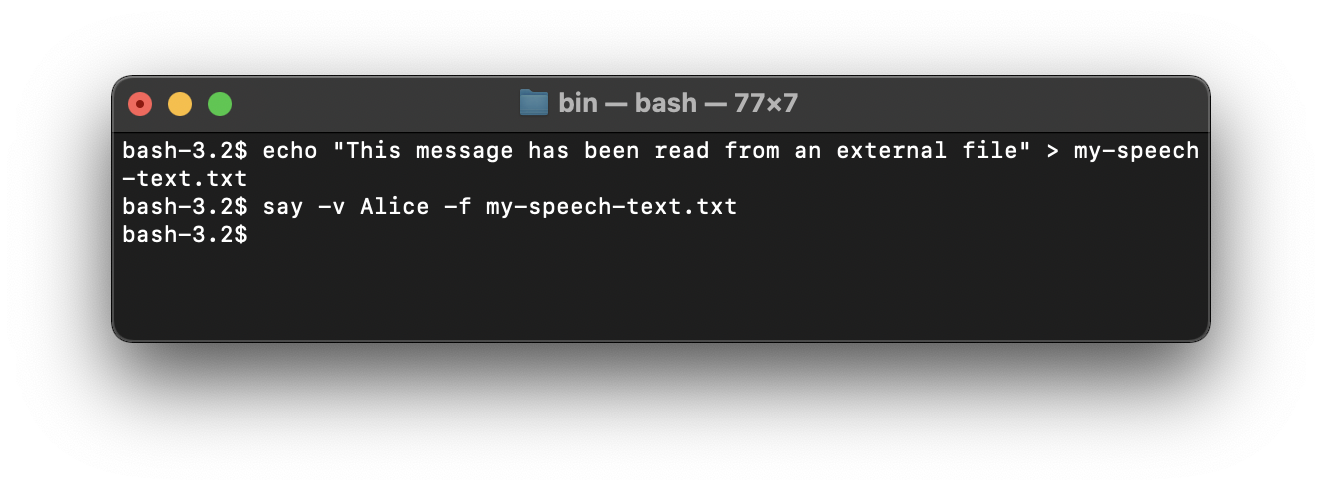
Provide Feedback For This Article
We take your feedback seriously and use it to improve our content. Thank you for helping us serve you better!
😊 Thanks for your time, your feedback has been registered!
Comments & Discussion
Facing issues? Have questions? Post them here! We're happy to help!