
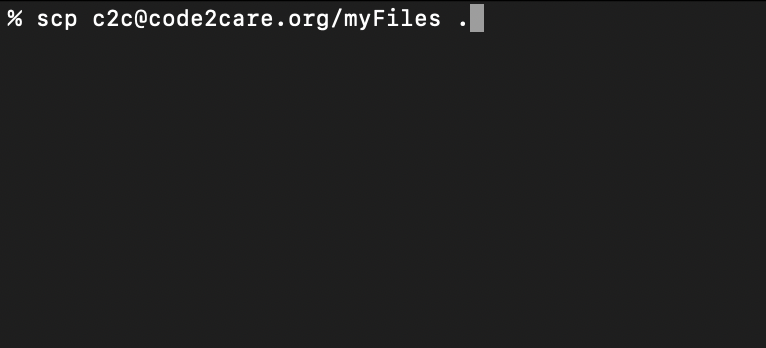
SCP - OpenSSH secure file copy is a command that you can make use of to download or upload files and directories to a remote location.
SCP lets you copy files between hosts on a network.
If you want to copy (download) a complete directory and sub-directories from a remote server to your local system you can make use of the SCP command in the below way,
Example: Downloading/Copying files from remote server to your system
% scp -r

user-name@ssh.remote-location-url-and-domain/remote/dir/path

/local/destination/path/to/copy/directory/
As you can see in the above example, -r option lets you copy the entire directory.
Example: Copy the remote directory to the current directory,% scp -r user-name@ssh.remote-location-url/remote/dir/path .Example: Downloading/Copying files from your system to a remote server
% scp -r

/local/path/to/copy/directory/
user-name@ssh.remote-location-url-and-domain/remote/dir/path Provide Feedback For This Article
We take your feedback seriously and use it to improve our content. Thank you for helping us serve you better!
😊 Thanks for your time, your feedback has been registered!
Comments & Discussion
Facing issues? Have questions? Post them here! We're happy to help!