
To install Java JDK 11 on Mac running macOS, you can take various routes, in this example we will be installing Zulu Open JDK 11,
- Go to Zulu website: https://www.azul.com/downloads/?package=jdk
- Now click on Choose Download, and select,
- Java Version: JDK 11 LTS
- Operating SystemL macOS
- Architecture: If you have an Intel based Mac choose - x86 64-bit , if Apple based M1 chip choose - ARM 64-bit
- Java Package: JDK
- You can download .tar.gz, .zip or .dmg format.
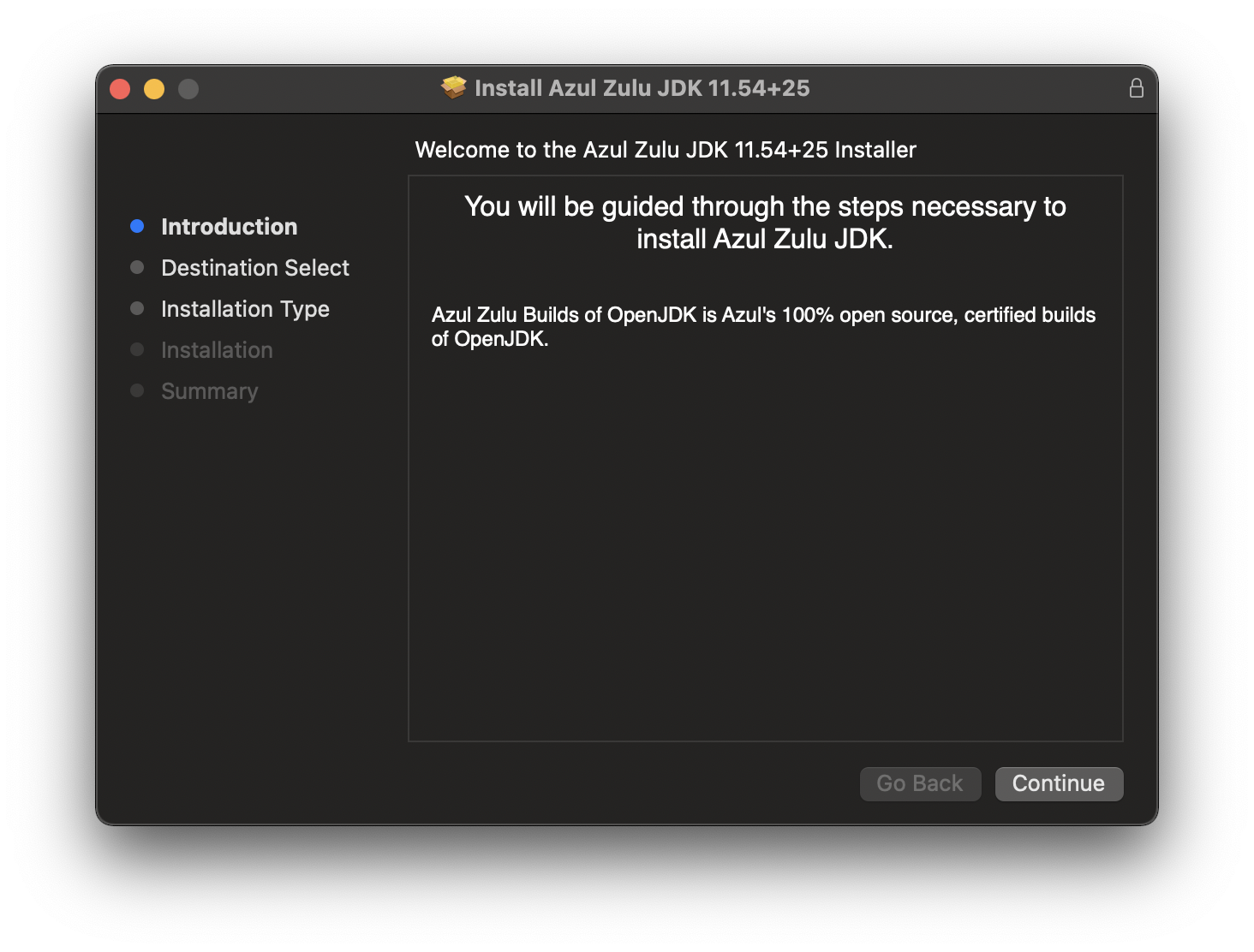
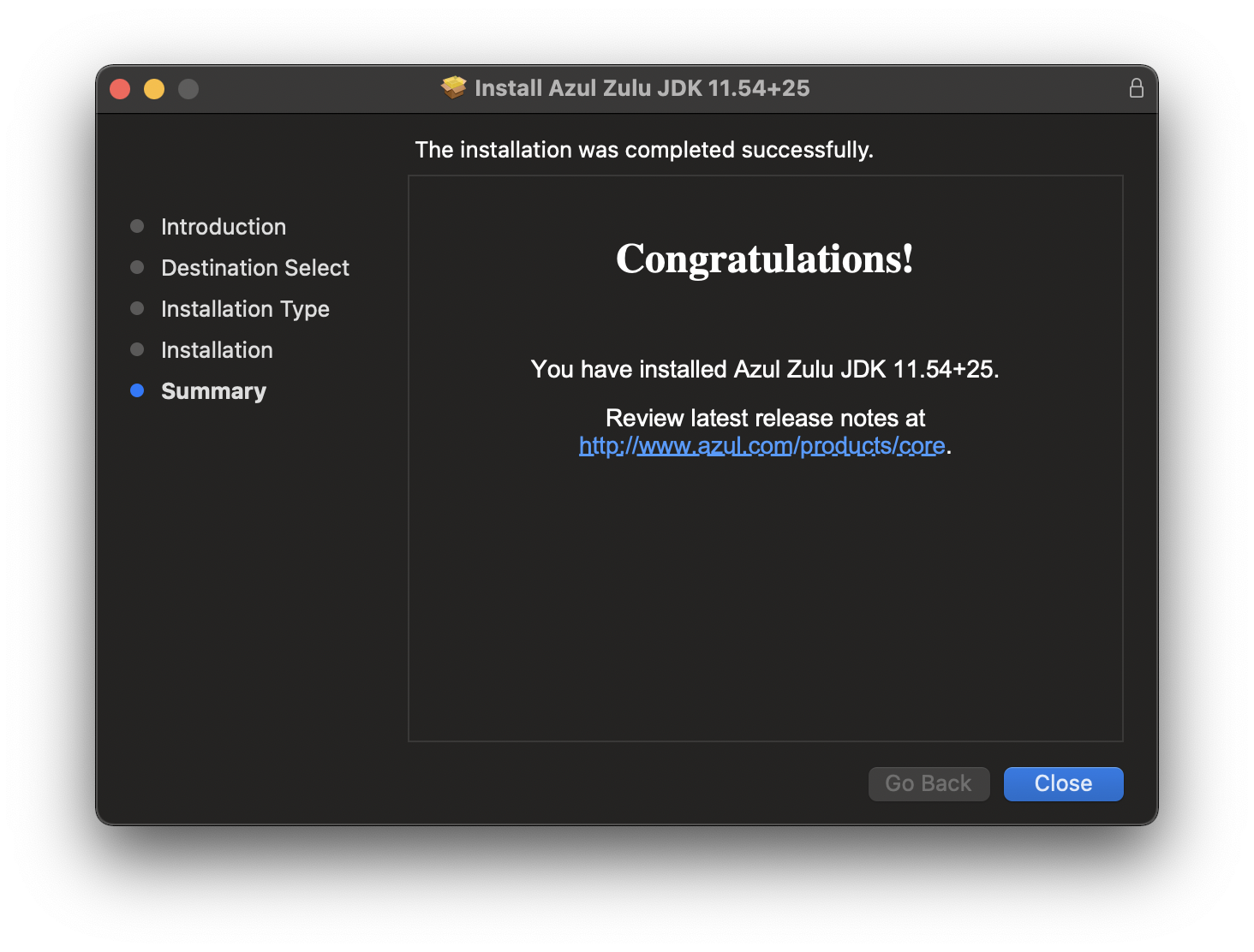
I have downloaded the .dmg format,

Provide Feedback For This Article
We take your feedback seriously and use it to improve our content. Thank you for helping us serve you better!
😊 Thanks for your time, your feedback has been registered!
Comments & Discussion
Facing issues? Have questions? Post them here! We're happy to help!