
If your Mac is running on the latest macOS Ventura version 13.0, you can easily turn off the Startup (or bootup) sound by simply going to the System Settings -> Sound and disabling Play sound on startup option.
Step-by-Step Guide
- Click on the Apple Logo on the Menu,
- Now, Select System Settings...,
- Click on Sound from the left Menu,
- Now Turn off the toggle for Play sound on startup
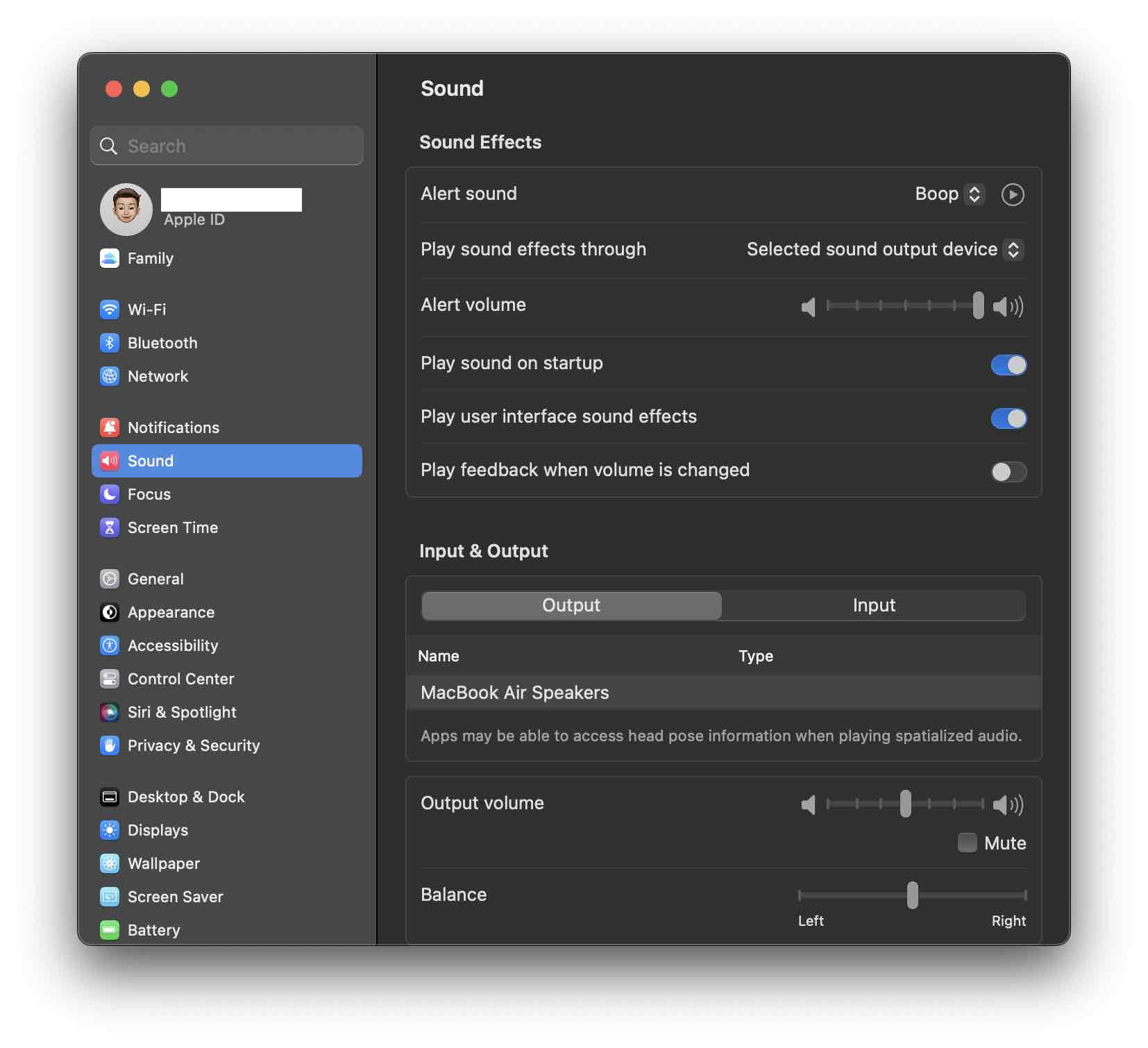
There will be no sound played when your Mac boots now
Provide Feedback For This Article
We take your feedback seriously and use it to improve our content. Thank you for helping us serve you better!
😊 Thanks for your time, your feedback has been registered!
Comments & Discussion
Facing issues? Have questions? Post them here! We're happy to help!