
You can install a Native setup for Golang on your Mac running on an M1/M2-based Apple Silicon ARM processor by following the below steps:
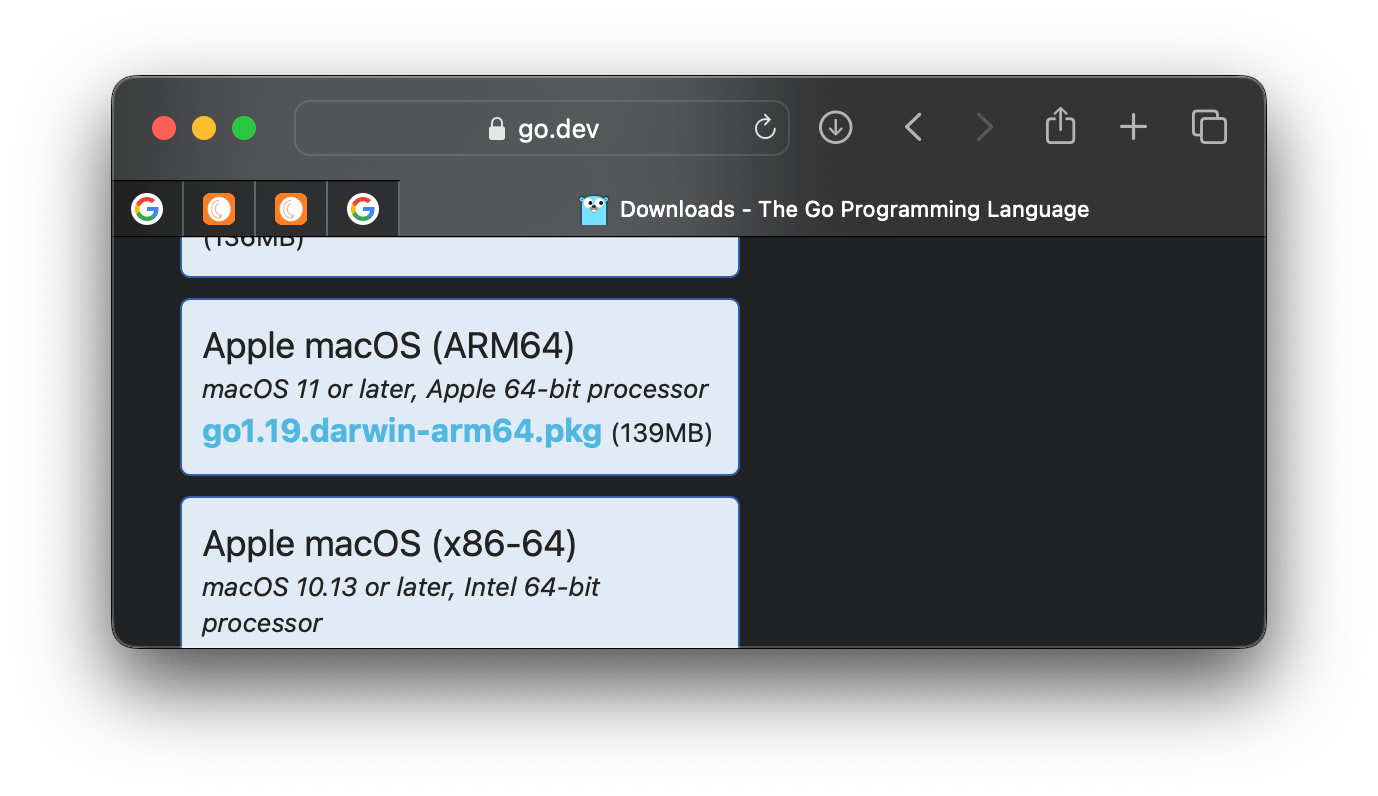
- Goto Golang Website download page: https://go.dev/dl/
- Now select - Apple macOS (ARM64) go1.19.darwin-arm64.pkg (139MB)
- Open the downloaded .pkg file.
- Click Continue -> Install (you would be asked to enter your password or use touch id to move further,
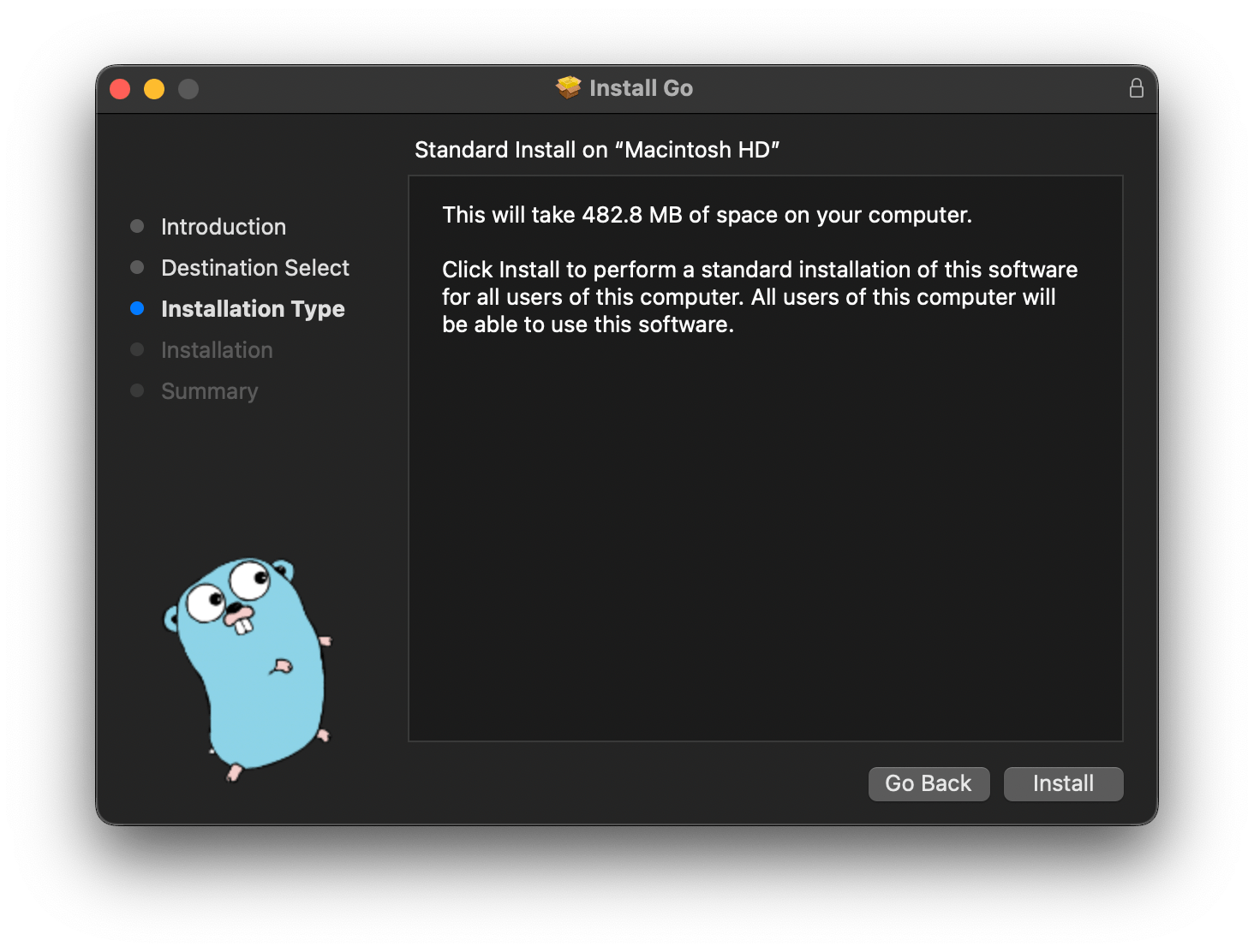
- Close the setup once complete.
- You can move the Go Setup to trash.

Note: You need to be on macOS 11 or later, Apple ARM-based 64-bit processor
Provide Feedback For This Article
We take your feedback seriously and use it to improve our content. Thank you for helping us serve you better!
😊 Thanks for your time, your feedback has been registered!
Comments & Discussion
Facing issues? Have questions? Post them here! We're happy to help!