
If you have a Mac with Apple M1/M2 Apple ARM Chip and want to install Android Studio Natively, follow the below steps,
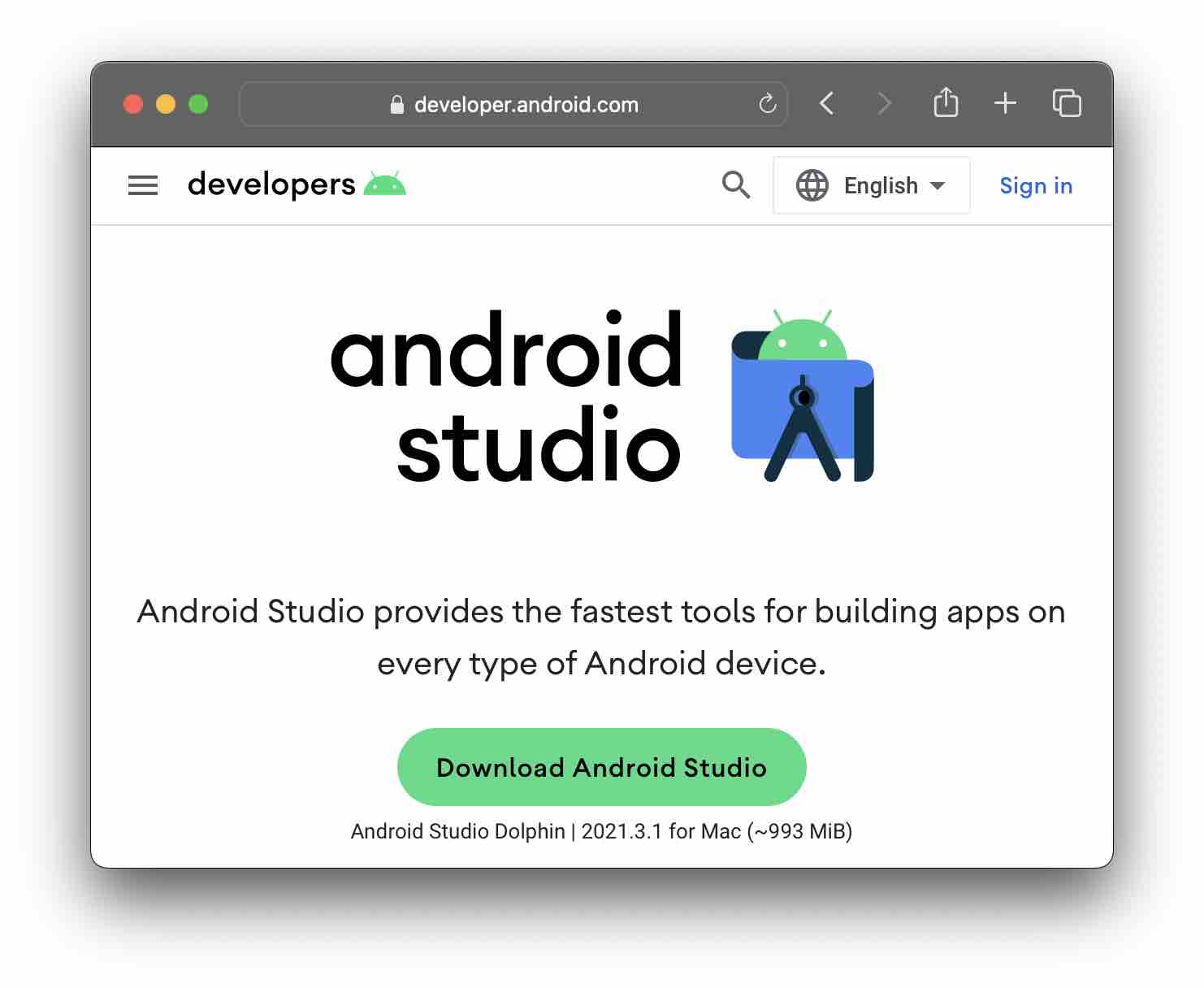
- Go to the URL: https://developer.android.com/studio,
- Now Click on Download Android Studio
- You will see a terms page - scroll down and accept the terms and select - Mac with Apple chip,
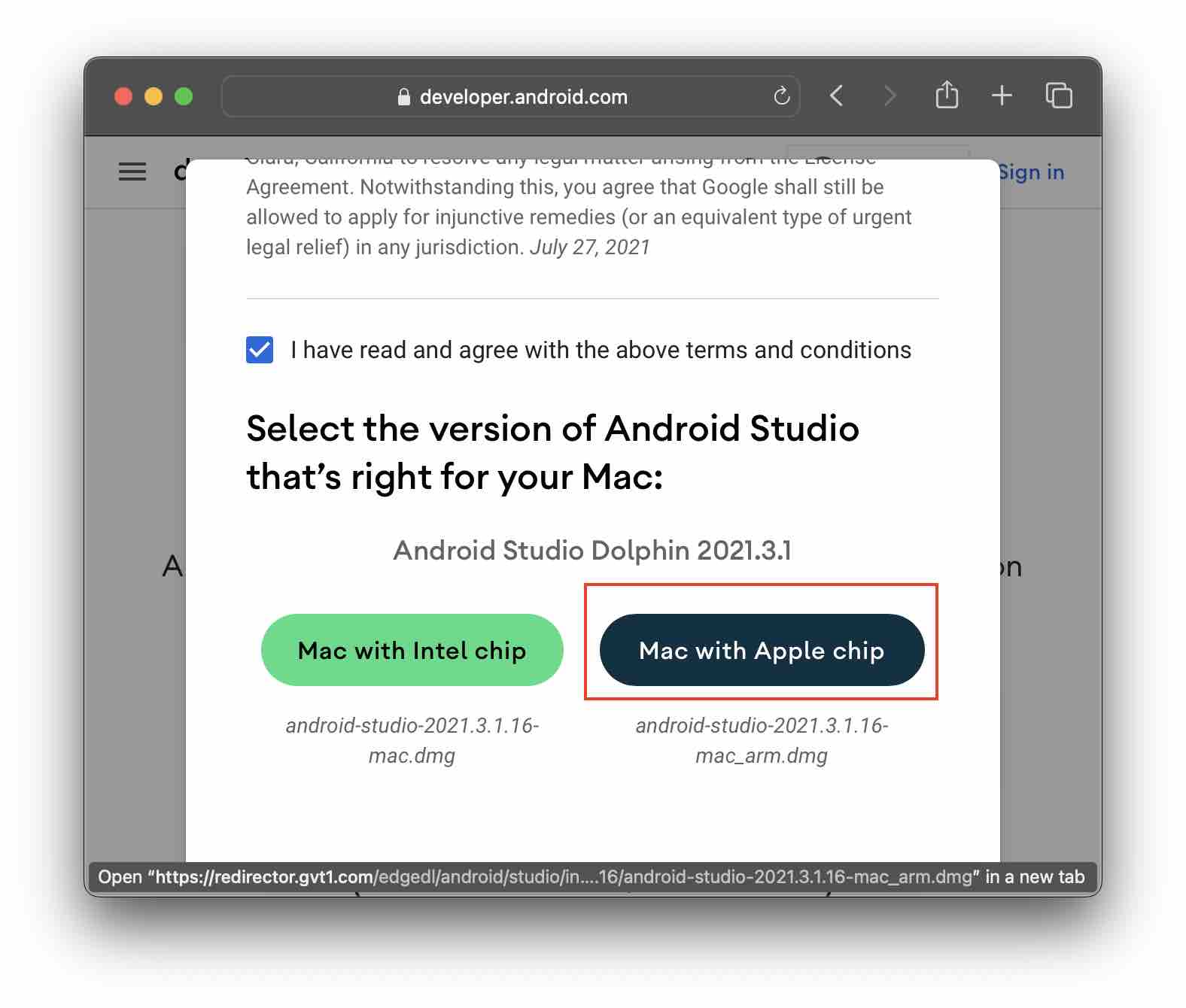
- This should download the android-studio-2021.3.1.16-mac_arm.dmg
- Install it and Add it to Applications and you are good to go!
Note: Based on your Browser details - the developer.android.com auto-detects that you are on an Apple Chip-based Mac, if you are trying to download the setup on some other machine that is not the same, you may not get this option.
Provide Feedback For This Article
We take your feedback seriously and use it to improve our content. Thank you for helping us serve you better!
😊 Thanks for your time, your feedback has been registered!
Comments & Discussion
Facing issues? Have questions? Post them here! We're happy to help!